Home
Best Professional Ebook Templates You Can Download for Free Right Now

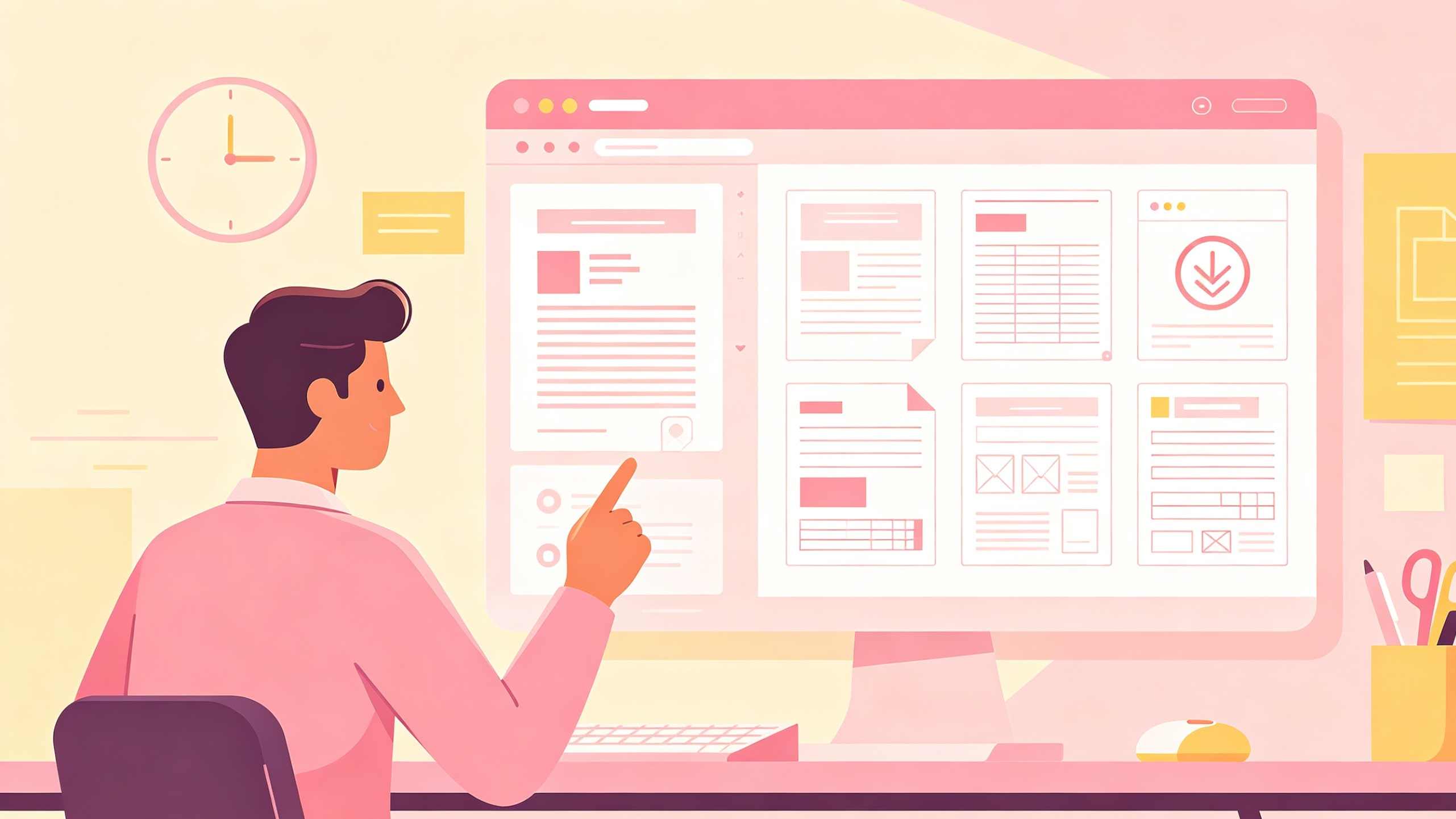
High-quality ebook design acts as a silent credibility builder for authors and marketers alike. While writing the content remains the most significant hurdle, the visual presentation determines whether a reader stays past the first chapter or deletes the file. Utilizing professional templates allows creators to bypass expensive design fees while ensuring their work meets industry standards for readability and engagement.
Quick Answer to Finding the Best Free Ebook Templates
For those looking for immediate downloads, the most reliable sources for free ebook templates are categorized by their primary use case:
- Best for Beginners and Visual Content: Canva offers a massive library of drag-and-drop templates suitable for image-heavy ebooks and lead magnets.
- Best for Business and Marketing: HubSpot provides 36 comprehensive templates available in PowerPoint, Google Slides, and Adobe InDesign formats, specifically designed for whitepapers and lead generation.
- Best for Self-Publishing Authors: Reedsy and Amazon KDP offer specialized templates that ensure your manuscript meets the strict formatting requirements for print-on-demand and Kindle devices.
- Best for Collaborative Teams: Google Slides and Google Docs provide cloud-based templates that facilitate real-time editing and modular content structures.
Why Design Consistency Dictates Your Ebook Success
A professional template does more than just provide a pretty cover. It establishes a structural framework that guides the reader’s eye. In professional publishing, this is referred to as the "invisible design." When layout and typography are executed correctly, the reader does not notice the design; they only notice the ease with which they consume the information.
Using a template ensures that your fonts, colors, and spacing remain consistent across fifty or one hundred pages. Without this consistency, readers subconsciously perceive the work as amateurish, which can directly impact lead conversion rates for businesses or review scores for self-published authors.
The Impact of Typography and Hierarchy
Effective templates prioritize a clear typographic hierarchy. This typically involves a distinct contrast between headings (H1, H2, H3) and the body text. For digital consumption, sans-serif fonts like Montserrat, Open Sans, or Roboto are often preferred for their clarity on screens. For long-form text-heavy books intended for print, serif fonts like Garamond or Baskerville reduce eye strain by guiding the flow of reading.
A professional template will pre-set these styles, ensuring that every page maintains a consistent line height. In our testing, a line spacing of 1.2 to 1.5 is the optimal range for digital readability. Anything tighter feels claustrophobic, while anything wider makes it difficult for the eye to find the start of the next line.
High Performance Ebook Templates for Business and Marketing
Business ebooks, often used as lead magnets, require a different design philosophy than novels. They must balance text with data visualizations, call-to-action (CTA) buttons, and brand-specific color palettes.
HubSpot Marketing Frameworks
HubSpot’s collection of 36 templates is widely considered the industry standard for marketing ebooks. These templates are available in multiple formats, but the PowerPoint and Google Slides versions are particularly effective for non-designers. The reason these work so well is their modularity. You can easily duplicate a "Data Page" or a "Case Study Page" to fit your specific content needs without breaking the overall layout.
Each template includes pre-designed sections for:
- Professional cover pages with high-impact title placements.
- Interactive Tables of Contents.
- "About the Author" sections that build personal brand authority.
- Final CTA pages designed to move the reader further down the sales funnel.
Convertful Specialized Content Packs
Convertful provides niche-specific templates that are often overlooked. Unlike generic "business" templates, these are structured around specific content types, such as "101 Life Hacks," "How-To Guides," and "Comprehensive Case Studies." This structural specificity helps authors organize their thoughts. If you are writing a case study, the template already has sections for "The Challenge," "The Solution," and "The Results," which forces a logical flow onto the writing process.
Visual First Platforms for Modern Creators
For creators who prioritize aesthetics over raw text volume, drag-and-drop design platforms have revolutionized ebook production.
The Canva Design Ecosystem
Canva is arguably the most user-friendly tool for creating visually stunning ebooks. Its library contains thousands of templates, though it is important to filter for those that are truly free versus those requiring a Pro subscription.
The strength of Canva lies in its integrated assets. You can search for icons, stock photos, and frames directly within the design interface. However, a common mistake beginners make in Canva is over-designing. To maintain a professional look, we recommend sticking to a maximum of three primary colors and two font families. Using the "Brand Kit" feature (even the free version allows some basic settings) ensures that your ebook aligns with your existing digital presence.
Adobe Express for High End Aesthetics
Adobe Express serves as a middle ground between the simplicity of Canva and the complexity of InDesign. It offers professional-grade templates developed by Adobe’s design team. These often feature more sophisticated layouts and better integration with Adobe’s extensive font library. Adobe Express templates are particularly well-suited for lifestyle ebooks, photography portfolios, or high-end lookbooks where the visual "mood" is as important as the text.
The Hidden Utility of Google Slides and Microsoft PowerPoint
Many creators are surprised to learn that presentation software is often superior to word processors for ebook layout. Unlike Microsoft Word, where images often jump around and break the text flow, slide-based software uses a "fixed-position" logic. Every element stays exactly where you put it.
Modular Publishing in Google Slides
Google Slides has emerged as a powerhouse for collaborative ebook creation. Because it is cloud-native, multiple authors can work on different chapters simultaneously.
The "Master Slides" feature in Google Slides is the secret to professional results. By editing the Master Slide, you can apply a header, footer, or page numbering system to every page in the document instantly. This ensures that even if you have 100 slides, the branding remains identical across all of them. Additionally, Google Slides allows for easy PDF export, which is the most common format for lead magnets.
PowerPoint for Structural Integrity
Microsoft PowerPoint offers robust layout tools that are often more stable than Google Slides for very large files. For ebooks exceeding 50 pages with many high-resolution images, PowerPoint’s desktop application handles the memory load more efficiently. The "Selection Pane" in PowerPoint is an essential tool for designers; it allows you to layer elements (text, shapes, images) and lock them in place, preventing accidental moves while you edit.
Professional Standards for Text Heavy Ebooks
If your ebook is a novel, memoir, or a technical manual, the design should focus on typography rather than imagery.
Microsoft Create for Novels and Memoirs
Microsoft Create offers a variety of Word templates specifically for authors. These templates are pre-configured with the correct "gutter" margins. A gutter is the extra space added to the inside margin of a book to ensure that text doesn't get lost in the binding when printed.
If you plan to eventually print your ebook, using a Word template that supports "Mirror Margins" is crucial. This ensures that the left and right pages are symmetrical, a hallmark of professional book design that is often missed by DIY authors.
Amazon KDP Official Formatting Tools
For those specifically targeting the Kindle store, using Amazon’s official KDP (Kindle Direct Publishing) templates is the safest route. Amazon provides templates in both Word and PDF formats for every supported trim size (e.g., 6" x 9", 5.5" x 8.5").
These templates come with pre-set margins, headers, and footers that are guaranteed to pass Amazon’s automated formatting check. Using these templates eliminates the "Upload Failed" errors that plague many first-time self-publishers.
Technical Specifications for Professional Layouts
Regardless of which template you choose, there are several technical parameters you must monitor to ensure a professional result.
The Grid System and White Space
A professional ebook layout is built on a grid. This is an invisible series of columns and rows that align every element on the page. Most templates use a 12-column grid, which provides the flexibility to have full-width text, two-column layouts, or three-column layouts while keeping everything aligned.
White space, or "negative space," is equally important. Amateur designs often try to fill every square inch of the page with text or images. Professional templates leave ample margins and space between paragraphs. This "breathing room" makes the content less intimidating and easier to process.
Understanding Margins and Bleed
If you intend for your ebook to be printed, you must understand the concept of "Bleed." If an image or color block is supposed to go all the way to the edge of the page, it must actually extend slightly past the edge in your design file (usually by 0.125 inches). This accounts for the slight inaccuracies of the physical cutting machines.
Free templates from sources like LULU or KDP often have these bleed settings pre-configured. If you are using a digital-only tool like Canva, you must remember to manually adjust these settings if you decide to offer a print version later.
Choosing the Right Format: PDF vs. EPUB
The template you choose will often dictate the final file format, and each format serves a different purpose.
PDF (Portable Document Format)
PDF is a "fixed-layout" format. This means the ebook will look exactly the same on every device.
- Pros: Preserves complex designs, ideal for print, perfect for lead magnets.
- Cons: Not "reflowable." On a small smartphone screen, the reader must zoom in and scroll sideways to read the text.
EPUB (Electronic Publication)
EPUB is the industry standard for ebooks sold on platforms like Apple Books or Kobo. It is "reflowable."
- Pros: The text size and font can be adjusted by the reader; the layout automatically reshapes to fit any screen size.
- Cons: Does not support complex, multi-column layouts well. Images must be handled carefully to ensure they stay near the relevant text.
For most marketing ebooks, PDF is the superior choice. For novels and long-form nonfiction, providing an EPUB version is essential for a good user experience on mobile devices.
Strategic Content Repurposing with Templates
One of the most efficient ways to use these templates is to repurpose existing blog content. A series of three or four related blog posts can be compiled into a "Comprehensive Guide" ebook in less than an hour if you have a pre-formatted template ready.
Steps for Repurposing Content:
- Identify a Theme: Select a group of blog posts that solve a specific problem.
- Select the Template: Choose a HubSpot or Canva template that matches the depth of the content.
- Standardize Headers: Ensure all H2 and H3 tags from the blog posts follow the typographic hierarchy of the template.
- Add a Synthesis Chapter: Write a new introduction and a conclusion that ties the individual blog posts together into a cohesive narrative.
- Insert CTAs: Throughout the ebook, insert links back to your website or specific product pages.
Frequently Asked Questions about Free Ebook Templates
Can I use these templates for commercial purposes?
Most templates from Canva (Free tier) and HubSpot are licensed for commercial use, meaning you can use them to generate leads or sell your ebook. However, always check the specific license for any third-party fonts or stock images included in the template.
Do I need Adobe InDesign to create a professional ebook?
No. While InDesign is the industry standard for professional book designers, tools like Canva, Google Slides, and even Microsoft Word are more than sufficient for 90% of ebook creators. The key is how you use the tool, not the tool itself.
How do I convert my Word document to an EPUB?
If you used a Word template, you can use free tools like Calibre or the Reedsy Book Editor to convert your document into a clean EPUB file. Alternatively, Draft2Digital offers a free service that applies professional "style sheets" to your Word document during the conversion process.
What is the best page size for an ebook?
For digital-only PDFs, the standard A4 (8.27" x 11.69") or US Letter (8.5" x 11") sizes are common. For self-published books intended for print, 6" x 9" is the most popular "Trade Paperback" size in the United States.
How many pages should an ebook be?
There is no fixed rule. For a lead magnet, 15 to 30 pages is often enough to provide significant value without overwhelming the reader. For a paid ebook, readers generally expect at least 10,000 to 20,000 words, which typically translates to 50+ pages depending on the layout.
Summary of the Best Free Ebook Template Sources
Selecting the right free ebook template depends on your technical comfort level and the ultimate goal of your publication.
- For Lead Magnets: Prioritize HubSpot or Canva. These platforms offer the best balance of visual appeal and marketing-focused layouts.
- For Self-Publishing Authors: Stick to Amazon KDP or Reedsy templates to ensure your book meets technical publishing standards.
- For Fast, Collaborative Projects: Use Google Slides master templates to maintain branding while working with a team.
By focusing on typographic hierarchy, maintaining a consistent grid, and choosing the appropriate format (PDF vs. EPUB), you can produce an ebook that rivals the quality of traditionally published works. The template is merely the foundation; the value you provide within those pages is what will ultimately drive your success.
-
Topic: The Hidden Power of Free Google Slides Ebook Templates: How to Transform Your Presentationshttps://staging.hyatts.com/research-data/7c0c06/913349/google-slides-ebook-template-free.pdf
-
Topic: Free Book Templates: 50+ Downloads for Authorshttps://selfpublishing.com/book-template/#:~:text=9
-
Topic: Huge List of eBook Templates You Can Download for Free - BlogProshttps://blogpros.com/list-ebook-templates-free/