Home
Choosing the Right Sample Organizer App for Music Science or Business Workflow

Sample management is a critical but often overlooked component of professional efficiency. Depending on the industry, the term "sample" can refer to a short audio clip used in a chart-topping pop song, a biological specimen stored at sub-zero temperatures, or a fabric swatch for a high-end interior design project. Because the requirements for these use cases vary so drastically, finding the correct sample organizer app requires a deep understanding of specific metadata needs, storage logic, and integration capabilities.
A high-quality sample organizer app acts as the bridge between raw data and actionable assets. Without a centralized system, professionals often find themselves lost in a sea of poorly named files, misplaced physical containers, or expired materials. This analysis breaks down the leading approaches to sample organization across the most common professional domains.
The Architecture of Audio Sample Organizers for Music Production
For music producers and sound designers, the primary challenge is the sheer volume of data. A modern producer might have a library of over 500,000 individual .wav files, ranging from drum hits and vocal chops to complex granular textures. Traditional file explorers like Windows Explorer or macOS Finder are fundamentally ill-equipped to handle this because they cannot "hear" the files or understand their musical properties.
Essential Musical Metadata and Detection
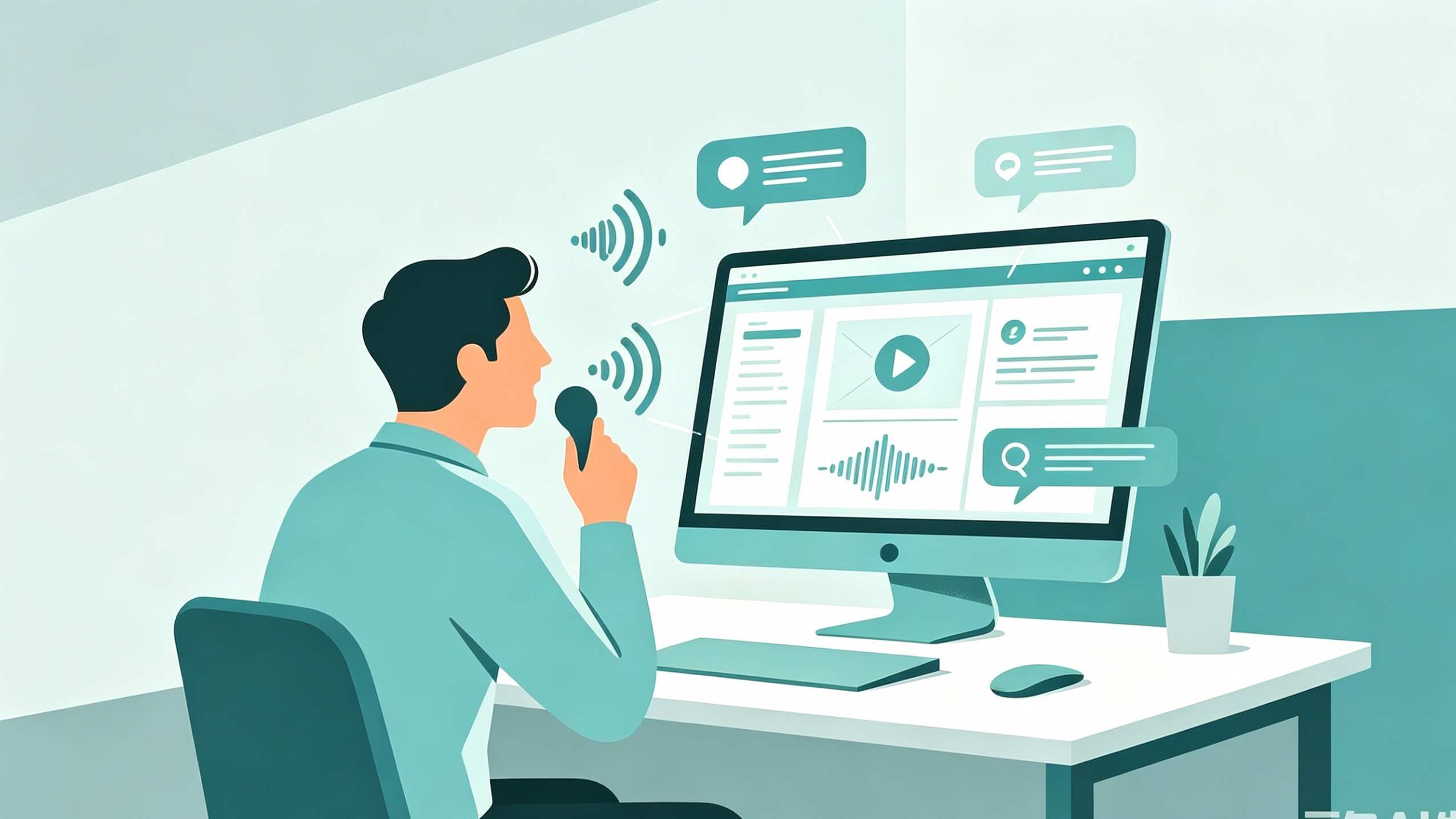
A dedicated audio sample organizer app must go beyond simple file naming. It uses digital signal processing (DSP) to analyze files upon import. The most critical features include:
- BPM and Key Detection: The app should automatically identify the beats per minute and the musical scale of a loop. This allows a producer to quickly filter for "128 BPM" and "C minor" to find assets that fit their current project.
- Waveform Visualization: Seeing the shape of the sound helps in identifying transients (the "hit" of a drum) or sustained pads without needing to click play on every file.
- Automatic Tagging: Using machine learning, advanced organizers can categorize sounds as "kick," "snare," "analog lead," or "cinematic atmosphere" based on their frequency profile.
Workflow Integration and DAW Sync
The value of an audio sample organizer is measured by how quickly a sound can move from the app into the Digital Audio Workstation (DAW). Professionals look for "Drag and Drop" functionality where the file—sometimes with its processed pitch or tempo adjustments—can be pulled directly onto a timeline. Furthermore, apps that function as VST or AU plugins allow the user to browse their library within the music software itself, maintaining the creative flow without switching windows.
Specialized Sample Organizers for Laboratory and Scientific Research
In a laboratory environment, the stakes for sample organization are much higher. Losing track of a biological sample or failing to document the storage temperature of a chemical reagent can invalidate months of research or violate safety regulations. Here, the "app" is often a specialized version of a Laboratory Information Management System (LIMS).
Tracking Physical Location and Storage Hierarchy
Unlike digital audio files, scientific samples exist in physical space. An effective app must mirror the physical storage hierarchy:
- Facility/Room
- Equipment (e.g., Ultra-Low Temperature Freezer)
- Shelf/Rack
- Box
- Well/Coordinate (e.g., Position A1 in a 96-well plate)
Advanced scientific organizers integrate with hardware. This includes barcode and QR code scanners that allow a researcher to scan a vial and immediately update its status in the database.
Chain of Custody and Regulatory Compliance
For labs operating under GLP (Good Laboratory Practice) or clinical standards, the app must maintain a "Chain of Custody." This means every time a sample is moved, thawed, or used, the app logs who performed the action and at what time. Audit trails are non-negotiable features in this sector, ensuring that the history of a sample is immutable and transparent for regulatory review.
Managing Physical Product Samples in Retail and Design
Interior designers, fashion houses, and manufacturing firms deal with "samples" in the form of materials, prototypes, and swatches. The organizational logic here focuses on aesthetics, vendor relations, and project-based grouping.
Visual Cataloging and Vendor Metadata
In these industries, the visual aspect is paramount. A sample organizer app for a design firm usually emphasizes high-resolution photography. When a designer receives a marble tile sample, they take a photo within the app and link it to essential data:
- Vendor/Supplier Information: Who provided the sample and what is their lead time?
- Cost per Unit: Pricing data for budget forecasting.
- Composition: Is it fire-rated? Is it organic cotton?
Client Project Mapping
A unique feature of these organizers is the ability to assign samples to specific "Mood Boards" or "Project Folders." This allows a team to see all the physical components of a specific renovation or fashion line in a single digital view, even if the physical samples are scattered across different offices.
How to Evaluate General-Purpose Tools for Sample Management
Not every team needs a bespoke, industry-specific application. Many find that flexible productivity platforms can be configured to serve as powerful sample organizers.
Using Notion for Sample Databases
Notion is a popular choice for small teams because of its relational database capabilities. A user can create a "Samples" database and link it to a "Projects" database. By using "Gallery View," designers can see large thumbnails of their assets, while "Table View" allows for detailed metadata filtering. However, Notion lacks native audio playback and specialized barcode integration, making it less ideal for high-end music production or clinical labs.
Airtable for Inventory-Heavy Workflows
Airtable functions like a hybrid between a spreadsheet and a database. It is particularly strong for physical product samples because of its robust API and automation features. For example, a user could set up an automation that sends an email alert when a specific sample’s "Return Date" is approaching, which is invaluable for borrowed showroom samples.
The Technical Architecture of a Custom Sample Organizer
For enterprises that decide to build their own internal tool, the technical stack must be chosen based on data integrity and search speed.
Data Modeling and Relational Logic
A robust sample organizer typically relies on a relational database like PostgreSQL. The core data model must handle unique identifiers (UUIDs) to prevent collisions, especially when scaling to millions of entries. A standard table for a general inventory sample might look like this:
| Field Name | Type | Purpose |
|---|---|---|
sample_id |
UUID | Unique identifier for the asset |
name |
String | Human-readable name |
category_id |
Foreign Key | Link to a category hierarchy |
location_data |
JSONB | Flexible field for storage coordinates |
checksum |
String | To detect duplicate digital files |
last_modified |
Timestamp | For audit trailing and versioning |
Frontend and User Experience (UX)
The frontend should be designed for high-speed interaction. For mobile-first workflows (like warehouse or lab scanning), frameworks like Flutter or React Native are preferred for their ability to access camera hardware for barcode scanning. For desktop-heavy workflows (like music production), a native or Electron-based app is often necessary to handle high-fidelity audio playback and file-system level "drag and drop" operations.
What Are the Essential Features of a Music Sample Organizer?
When selecting an app specifically for audio, certain features are "deal-breakers." If the software does not support these, it will likely hinder the creative process more than it helps.
Intelligent Search and Filtering
A professional should be able to search for "Crunchy 808 Kick" and see results instantly. This requires the app to support both "Strict Tags" (defined by the user) and "Fuzzy Search" (which guesses what the user means).
Non-Destructive Editing
A high-quality audio organizer allows users to preview a sample with certain effects—such as pitch shifting or time stretching—without actually changing the original file on the hard drive. This "preview-only" processing is essential for testing how a sample fits into a song's key before committing to the import.
Cloud Synchronization vs. Local Storage
Audio files are large. A common dilemma is whether to store samples in the cloud or on local NVMe drives. Top-tier apps offer a hybrid approach: metadata and low-resolution previews are stored in the cloud for quick browsing across devices, while the high-resolution files remain on a local server or drive for zero-latency production.
Why Do Laboratories Need Dedicated Sample Management Software?
Generic spreadsheets like Excel are often the starting point for lab organization, but they quickly become a liability.
Human Error and Data Integrity
In a spreadsheet, it is easy to accidentally delete a row or mistype a location. A dedicated sample organizer app uses "constrained input," where users must select from pre-defined lists or scan a tag. This significantly reduces the risk of data entry errors that could ruin an experiment.
Alerts and Lifecycle Management
Samples in science often have an expiration date or a "thaw limit." An intelligent app will send notifications when a sample is nearing the end of its viable life or if a freezer’s temperature has fluctuated outside of the safe range (when integrated with IoT sensors).
What to Look for in a Product Sample App for Small Businesses?
Small businesses in the fashion or manufacturing space need to balance power with ease of use.
Mobile Accessibility
The ability to log a sample while at a trade show or a factory floor is vital. The app should have a strong mobile component that works offline, syncing the data once a connection is re-established.
Collaboration Tools
Sample management is rarely a solo task. The app should support user roles (Admin, Editor, Viewer) to ensure that only authorized personnel can change status levels (e.g., marking a prototype as "Approved for Production").
Conclusion on the Evolution of Sample Management
The landscape of sample organizer apps has shifted from simple list-making tools to intelligent, integrated ecosystems. In music, AI is now doing the heavy lifting of categorization. In science, the integration of IoT and blockchain is creating unshakeable audit trails. In business, visual-first databases are shortening the distance between a design concept and a finished product.
Choosing the right tool is not about finding the one with the most features, but the one that speaks the "language" of your specific samples—whether that language is the frequency of a sound wave, the chemical composition of a reagent, or the texture of a luxury fabric.
Summary of Key Insights
| Industry | Primary Concern | Essential Feature | Recommended Approach |
|---|---|---|---|
| Music | Search Speed & Discovery | BPM/Key Detection, DAW Drag-Drop | Specialized Audio Manager (Ample, etc.) |
| Science | Accuracy & Compliance | Barcode Scanning, Audit Trails | LIMS or Regulatory-compliant Apps |
| Business | Project Visuals & Costs | Photo Cataloging, Vendor Links | Airtable or Custom Relational Database |
Frequently Asked Questions
Can I use a free app for professional sample organization?
Yes, tools like Google Sheets or the free tier of Notion can work for very small collections. However, as the number of samples grows beyond 1,000, the lack of specialized search and automation features usually leads to significant time loss.
Is cloud storage safe for sensitive scientific samples?
Most modern lab-grade apps use encrypted cloud storage that meets HIPAA or GDPR standards. However, organizations with high-security requirements often opt for "on-premise" installations where the data never leaves their local network.
Does a sample organizer app move my files?
Most digital sample organizers (like those for audio) are "referenced" systems. They build a database that points to where your files are currently located without moving them. This prevents breaking paths for existing projects.
How do I transition from a spreadsheet to a sample organizer app?
Most professional apps offer a CSV import feature. You will need to clean your spreadsheet data to ensure columns match the app’s fields, then perform a bulk upload. It is recommended to do this in batches to verify data integrity.
-
Topic: Top 15 Organizer Apps Reviews and Comparisons 2026: Free and Paidhttps://onplanners.com/apps/organizers
-
Topic: Ample - Organize Your Samples App - App Storehttps://apps.apple.com/gb/app/ample-organize-your-samples/id1512016255
-
Topic: 15 Best Organization Apps to Boost Your Productivity - LifeHackhttps://www.lifehack.org/articles/technology/10-apps-for-professionals-easily-stay-organized.html