Home
Why Splice Music Samples Have Become the Primary Currency of Modern Music Production

The landscape of music production has undergone a seismic shift over the last decade. The traditional image of a producer involves hundreds of dusty vinyl records and a crate-digging mentality, searching for that one elusive snare hit or soul vocal. Today, that crate has moved to the cloud. At the epicenter of this transformation is Splice, a platform that has effectively standardized how sounds are discovered, licensed, and implemented in modern music. For any producer working in genres ranging from Trap and Hip Hop to Cinematic Scoring and EDM, understanding how to leverage Splice music samples is no longer optional; it is a fundamental part of the professional workflow.
Understanding the Splice Credit Ecosystem and Subscription Models
Splice operates on a subscription-based credit system that has fundamentally changed the economy of sound. Unlike traditional sample packs where a user must purchase an entire library for a significant upfront cost—often containing hundreds of sounds they will never use—Splice allows for surgical precision.
How the Credit System Functions
A monthly subscription grants a specific number of credits. In the current ecosystem, one credit typically equates to one individual sample, whether it is a "one-shot" (a single drum hit or note) or a "loop" (a rhythmic or melodic phrase). More complex assets like MIDI files or synth presets for software like Serum or Astra might cost three credits.
This model offers a high degree of flexibility. Producers can cherry-pick the exact kick drum they need for a mix without committing to a $50 sample pack. From a budgetary perspective, this allows bedroom producers to access the same high-quality audio assets as A-list professionals for a low monthly fee.
What Happens to Unused Credits?
One of the most frequent points of confusion involves the longevity of these credits. Credits roll over each month as long as the subscription remains active. However, if a user cancels their subscription, they typically lose access to their accumulated, unused credits. It is a crucial strategic point for users to spend their credits before ending a billing cycle. Once a sample is "purchased" with a credit, however, it is permanently added to the user's library and can be re-downloaded at any time, even after a subscription has ended.
Navigating the Legal Landscape of Royalty-Free Audio Licensing
The term "royalty-free" is often misunderstood in the music industry. In the context of Splice music samples, royalty-free means that once a producer licenses a sound using a credit, they have the right to use that sound in their own musical compositions without paying additional royalties to the original creator or Splice, even if the song becomes a global commercial hit.
The Clear Difference Between Ownership and Licensing
It is important to distinguish that using a Splice sample does not grant the producer "ownership" of the original audio file. Instead, it grants a broad, non-exclusive license to use the sound within a new work. This means multiple producers can use the same sample in different songs.
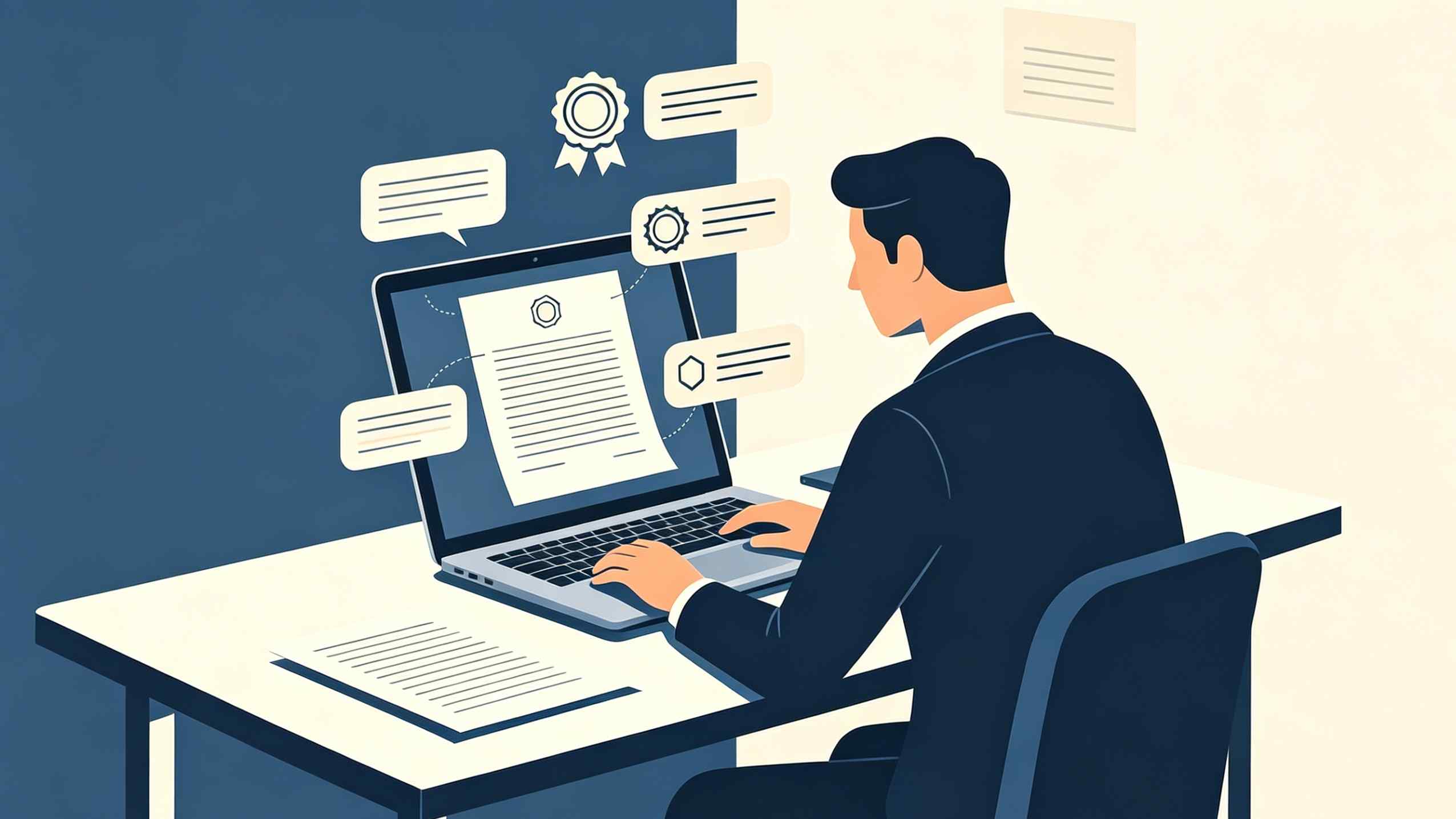
For commercial releases, this legal clarity is invaluable. Splice provides a "Proof of License" for every sound downloaded. In an era where copyright strikes and digital fingerprinting are common on platforms like YouTube and Spotify, having a verifiable paper trail for every drum loop and vocal chop ensures that a project is legally "cleared" for monetization.
Limitations of the License
While the license is extensive, there are boundaries. Producers cannot take a Splice sample and resell it as part of a different sample library. The sounds must be incorporated into a larger musical context. Additionally, using a famous producer’s name in the title of a track just because their sample pack was used (e.g., "Featuring Murda Beatz") is a violation of personality rights and trademark, not covered by the sample license itself.
Technical Workflow: Integrating Splice Directly Into the DAW
The efficiency of Splice music samples lies not just in the sounds themselves, but in the software bridge between the cloud and the Digital Audio Workstation (DAW). The Splice Desktop App serves as the central hub, but the real power comes from the integration tools.
Using the Splice Bridge Plugin
One of the most significant technical hurdles in sampling is matching a loop’s tempo and key to the current project. Traditionally, this required manual time-stretching and pitch-shifting within the DAW. The Splice Bridge plugin solves this by acting as a virtual instrument or effect.
When Bridge is active, any sample previewed in the Splice Desktop App is automatically synced to the DAW's host tempo and key. This allows a producer to hear how a vocal loop sounds against their existing drums in real-time before spending a single credit. It eliminates the guesswork and saves hours of technical labor.
The Drag-and-Drop Workflow
Modern DAWs like Ableton Live, FL Studio, and Logic Pro have streamlined the process of importing these files. Once a sound is licensed, it can be dragged directly from the Splice app into the DAW timeline. The files are typically high-quality 24-bit WAV files, ensuring that the audio fidelity remains professional throughout the mixing and mastering stages.
Effective Search Strategies to Overcome Analysis Paralysis
With millions of sounds available, "analysis paralysis" is a genuine threat to creativity. Producers can spend hours scrolling through kick drums instead of writing music. Mastering the search filters is the only way to maintain a productive flow.
Filtering by Technical Metadata
The Splice library is meticulously tagged with metadata. Users can filter by:
- BPM (Beats Per Minute): Essential for finding loops that fit the energy of a track.
- Key: Allows for finding melodic elements (basslines, leads, pads) that are already in the scale of the song.
- Instrument Type: Narrowing down searches to "Electric Bass," "Granular Synth," or "Found Sound."
- Genre: While genres are subjective, searching within "Phonk," "Synthwave," or "Techno" can quickly narrow the sonic palette to appropriate textures.
The Power of "Similar Sounds"
Splice utilizes AI-driven search algorithms to suggest sounds that share sonic characteristics with a selected sample. If a producer finds a snare drum with the perfect "thwack" but wants a slightly different tail, the "Similar Sounds" feature can scan the entire library to find acoustically related matches. This is often more effective than keyword searching, as it relies on frequency analysis rather than manual tagging.
Beyond Audio: The Power of Presets and MIDI in Splice
While Splice is famous for audio samples, its value extends into the realm of synthesis and composition through MIDI and presets.
Synth Presets for Sound Design
For producers who prefer to write their own melodies but struggle with sound design, Splice offers presets for industry-standard synthesizers like Serum, Massive, and Spire. These presets allow a user to load a sound designed by a professional—such as KSHMR or Virtual Riot—directly into their synth. This provides the flexibility to tweak the oscillator, filter, and envelope, making the sound much more customizable than a static audio file.
MIDI Patterns as Creative Building Blocks
MIDI samples on Splice provide the underlying note data for drum patterns and chord progressions. These are particularly useful for producers who may not have a background in music theory. By downloading a MIDI chord progression, a producer can assign it to any virtual instrument they own, changing the instrumentation while keeping the complex harmonic structure.
Creative Transformation: Making Stock Samples Sound Unique
A common criticism of platforms like Splice is that music starts to sound "generic" because everyone has access to the same sounds. However, professional production is about transformation. A raw Splice music sample should be viewed as raw material, not a finished product.
Pitch and Time Manipulation
Changing the context of a sample is the easiest way to make it unique. Taking a vocal loop intended for a 128 BPM House track, slowing it down to 70 BPM, and pitching it down an octave can transform it into a haunting, dark texture suitable for a cinematic trap beat.
Granular Processing and Effects Chains
Running samples through creative effects chains—such as frequency shifters, resonators, or granular synthesis engines—can render the original sound unrecognizable. In our tests, using a basic Splice percussion loop as a trigger for a vocoder or a sidechain source often yields more interesting results than simply placing the loop on the grid.
Chopping and Re-sampling
The "chopping" technique, popularized by MPC users, is highly effective with Splice loops. Instead of using a two-bar melody loop as-is, a producer might chop it into 16 slices and re-arrange them into a completely new sequence. This maintains the professional sonics of the original recording but creates an entirely original composition.
The Cultural Shift Toward Platform-Based Music Production
The rise of Splice represents a broader "platformization" of culture. Music production has become more democratic, lowering the barrier to entry. While some purists argue that this diminishes the skill required to make music, others see it as an evolution of the instrument.
In the 1970s, the turntable became an instrument. In the 1980s, the sampler became an instrument. Today, the "Cloud Library" is the instrument. The focus has shifted from the acquisition of sound to the curation and manipulation of sound. Producers like Murda Beatz, who have released their own signature kits on Splice, have seen their sounds become the building blocks of dozens of Billboard-charting hits. This creates a feedback loop where the sounds of the industry are instantly available to the next generation of creators.
Summary of the Splice Creative Experience
Splice music samples have redefined the music production workflow by providing a legally secure, technically efficient, and sonically diverse ecosystem. The transition from a credit-based subscription to a fully integrated DAW experience via Splice Bridge allows producers to focus on the creative act rather than technical troubleshooting. While the risk of sounding "standardized" exists, the ability to transform these high-quality raw materials through chopping, pitching, and effects processing ensures that individual creativity remains the most important factor in the production chain. As the library grows and AI integration improves, Splice will likely remain the foundational resource for digital music creation.
Frequently Asked Questions
Can I use Splice samples in my music if I stop my subscription?
Yes. Any samples you have downloaded and used a credit for are yours to use forever in your musical projects, even if you cancel your subscription. You keep the license to those specific sounds.
Are Splice sounds truly royalty-free for commercial use?
Yes, every sample on Splice is 100% royalty-free and cleared for commercial use. This means you can release your music on Spotify, Apple Music, and YouTube and keep all the earnings from those tracks without paying Splice or the original sample creator.
How do I use Splice samples in FL Studio or Ableton?
The easiest way is to use the Splice Desktop App. Once you've licensed a sound, you can simply drag it from the app directly into your DAW's arrangement view or onto a sampler channel. Alternatively, use the Splice Bridge plugin to audition sounds in time with your project before dragging them in.
Is there a limit to how many samples I can download?
The limit is determined by your subscription plan. Each plan gives you a specific number of credits per month. You can download as many samples as your credit balance allows. Some sounds, like presets or MIDI, may cost more than one credit.
Does Splice work offline?
You need an internet connection to browse and download new sounds. However, once a sound is downloaded to your local machine, you can access and use it in your DAW without an internet connection, as the files are stored on your hard drive.
Can I share my Splice credits or account?
Splice accounts are intended for individual use. Sharing an account can lead to synchronization issues with the desktop app and may violate the terms of service regarding the licensing of sounds.
-
Topic: Bass Samples: Browse By Loops, One-Shots & Key | Splicehttps://splice.com/sounds/instruments/bass/samples
-
Topic: Splice and the platformization of hip hop production: Navigating the online music platform for royalty-free sampleshttps://pdfs.semanticscholar.org/c508/9e67c858c290b72ac1defbd5d246db07a533.pdf
-
Topic: Hip Hop Sample Packs | Splicehttps://splice.com/sounds/genres/hip-hop/packs?sort=random&random_seed=1734566400138&order=DESC&page=17