 Home
Home
12 Best AI Dubbing Tools for 2026 Tested for Accuracy and Lip-Sync
In 2026, AI dubbing has evolved into three distinct categories based on your production needs. Whether you are a YouTuber localizing content or an enterprise requiring broadcast-grade quality, these tools represent the current industry standards.
The landscape of video localization has shifted dramatically. As of late 2026, the barrier between human voice acting and synthetic speech has become nearly indistinguishable. According to recent industry benchmarks, top-tier tools now achieve a lip-sync precision of 0.02 seconds, ensuring that translated audio aligns perfectly with visual mouth movements. This advancement allows creators to reach global audiences without the massive overhead of traditional dubbing studios.
How to Choose the Right AI Dubbing Tool for Your Project
Selecting a tool depends heavily on your specific business model. A YouTuber needs rapid turnaround and low costs, while a corporate training department requires strict data privacy and technical terminology accuracy. The following framework categorizes tools by their primary strengths, latency, and language capabilities.
| Tool Name | Primary Use Case | Latency | Languages | Key Differentiator |
|---|---|---|---|---|
| HeyGen | YouTube / Marketing | Asynchronous | 175+ | Avatar IV Long-form Sync |
| Perso Dubbing | Budget Creators | Asynchronous | 140+ | Lip-Sync Toggle Savings |
| Noiz.ai | Live Streaming | Real-time (1-3s) | 100+ | Sub-30ms Audio Processing |
| 3Play Media | Enterprise / Legal | Managed Service | Varies | 99.6% Accuracy Guarantee |
| Deepdub | Film & Broadcast | Hybrid | 150+ | Emotional Prosody Control |
Top AI Dubbing Tools for Video Localization and Post-Production
For content that isn't live, visual fidelity is the priority. These tools focus on "post-production" dubbing, where the AI analyzes the video frames to generate a matching lip-sync for the translated audio.
HeyGen and the Avatar IV Standard for Long-Form Sync
HeyGen has established itself as a top-tier option for creators who need to maintain visual consistency over long durations. One of the most common complaints in early AI dubbing was "audio drift," where the lip-sync would slowly fall out of alignment after the first minute of video. HeyGen’s Avatar IV technology addresses this by using continuous frame-referencing, allowing it to hold perfect sync for videos exceeding 15 minutes.
For corporate users, HeyGen offers a SCORM export feature. This is a significant advancement for Learning Management Systems (LMS), as it allows instructional designers to drop dubbed videos directly into platforms like Moodle or Canvas without manual re-encoding.
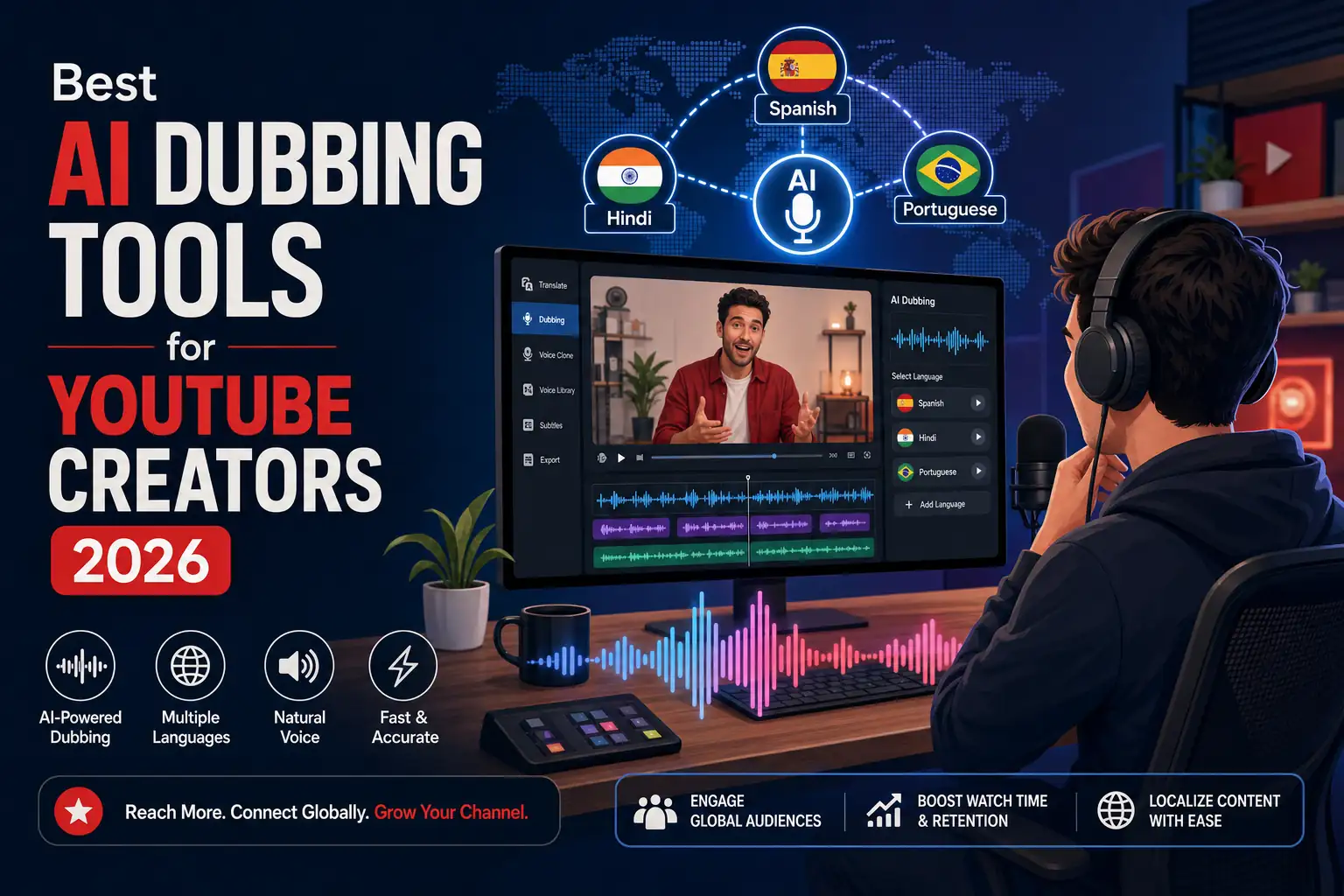
Image source: VideoDubber
Why Perso Dubbing Ranks Among the Top Choices for Budget-Conscious Creators
Localization can quickly become expensive due to the high GPU costs of lip-syncing. Perso.ai uses a credit-based system (typically 60 credits per minute) that allows for granular cost control. Their most impactful feature is the ability to toggle lip-sync off for specific segments. If your video includes B-roll, screen recordings, or slides, you can disable the visual sync for those portions, saving up to 70% on processing costs while still receiving high-quality translated audio.
Rask AI for Rapid Social Media Localization
Rask AI is widely regarded as one of the strongest options for short-form vertical content. With support for over 130 languages, it is optimized for the fast-paced requirements of TikTok, Reels, and Shorts. The tool excels at detecting multiple speakers and maintaining distinct voice clones for each, which is essential for interview-style content or podcasts.
Synthesia and the Use of Built-In Glossaries
Technical mistranslation is a major hurdle in automated dubbing. Synthesia provides a "Glossary" feature that allows users to lock in specific translations for technical terms. For example, if your company uses a specific acronym or a term like "Customer Acquisition Cost," you can ensure the AI doesn't attempt to translate it literally into a target language where the meaning might be lost. This makes it an excellent choice for software tutorials and medical briefings.
Leading Real-Time AI Dubbing Software for Streamers and Gamers
Real-time dubbing requires a different technological stack, prioritizing low latency over perfect visual lip-sync. These tools are designed to work as "overlays" for live broadcasts.
How Noiz.ai Achieves Low Latency for Live Interaction
For streamers on Twitch or YouTube Live, a delay of more than a few seconds can kill audience engagement. Noiz.ai has optimized its pipeline to achieve a translation window of 1 to 3 seconds. While not "instant," this is currently the industry standard for live language overlays. It works by processing audio chunks in parallel, allowing the translated voice to play almost immediately after the original speaker finishes a sentence.
Dubbing AI vs Voicemod for Discord and Twitch
It is important to distinguish between voice changers and dubbing tools. Voicemod is a popular choice for altering the *tone* or *character* of a voice in real-time, but it does not translate languages. Dubbing AI, conversely, focuses on the actual translation of speech. In our assessment, Dubbing AI offers a more robust solution for international gaming communities, though users should be aware that high GPU usage can sometimes lead to FPS drops in resource-intensive games.
Enterprise Solutions with Human-in-the-Loop Quality Assurance
For high-stakes environments, "raw AI" is often not enough. Enterprise solutions combine AI speed with human oversight to ensure 100% reliability.
3Play Media and the High Accuracy Guarantee
3Play Media stands out for its "Managed Service" model. Unlike self-serve SaaS tools, 3Play Media provides a 99.6% accuracy guarantee by involving human editors who review the AI-generated transcripts and translations. This is the preferred route for legal, medical, and educational institutions where a single mistranslated word could have serious consequences.
Deepdub for Broadcast-Grade Emotional Synthesis
Deepdub focuses on "Emotional Prosody"—the ability to preserve the underlying emotion of the original performance. If an actor is shouting in anger or whispering in fear, Deepdub’s models are designed to carry those emotional markers into the dubbed track. This makes it a top-tier option for film studios and streaming platforms looking to localize movies without losing the director's original intent.
Voice123 and the Ethical Sourcing of AI Voices
As AI voice cloning becomes mainstream, ethical concerns regarding actor compensation have risen. Voice123 offers a unique marketplace where creators can license AI voices that are officially authorized and owned by professional voice actors. This ensures that the original talent is compensated for the use of their likeness, protecting creators from potential copyright disputes or ethical backlash.
How to Save Money by Using Optional Lip-Sync Strategies
Lip-syncing is the most computationally expensive part of the dubbing process. Many users make the mistake of running full lip-sync on every second of their video, even when the speaker is off-camera or the screen is showing a demo. By strategically toggling this feature in tools like Perso.ai, you can significantly extend your production budget.
The Hybrid Workflow for High Audio Realism and Visual Precision
Power users often find that no single tool is perfect for every step. A "Hybrid Workflow" is a notably innovative strategy to get the best results by combining specialized tools.
How to Fix Common Issues Like Audio Drift and Robotic Artifacts
Even with top-rated tools, technical issues can arise. Based on community findings from platforms like Reddit, here are the most effective fixes for common AI dubbing problems:
- Fixing Audio Drift: For videos longer than 10 minutes, break the content into 5-minute chunks before processing. This resets the AI's tracking markers and prevents the sync from sliding.
- Reducing Robotic Artifacts: In tools like Voice.ai, ensure your GPU allocation is set to "High" and close background applications. Artifacts are often caused by the AI's inability to access enough processing power in real-time.
- Improving Translation Precision: Always use "Precision Mode" (if available) for technical content. While "Speed Mode" is faster, it often skips the nuanced grammar checks required for professional tutorials.
How to Host Your Own Private Dubbing Server Using Open Source Tools
For organizations with strict NDAs or privacy requirements, uploading video to a cloud-based SaaS is not an option. The Open Dubbing project on GitHub provides a framework for local hosting. This setup typically involves:
- Whisper (OpenAI): For highly accurate Speech-to-Text (STT).
- Meta NLLB (No Language Left Behind): For robust neural machine translation.
- Coqui TTS or Tortoise: For high-quality local voice synthesis.
While this requires significant technical expertise and a powerful local GPU (NVIDIA RTX 4090 or higher is recommended), it ensures that your data never leaves your internal network.
Is AI Dubbing Legal for Commercial Use on YouTube?
The legal landscape in 2026 is clearer than in previous years, but compliance is still mandatory. YouTube now requires creators to disclose if their content uses "Altered or Synthetic Media," which includes AI-dubbed voices. Failure to check this box can lead to content suppression or strikes.
- Verify that your tool is SOC 2 and GDPR compliant if handling corporate data.
- Ensure you have the commercial rights to the original audio before cloning.
- Always disclose AI usage in the YouTube Studio "Altered Content" section.
- Check the tool's Terms of Service regarding ownership of the generated audio.
Key Takeaways on AI Dubbing in 2026
AI dubbing has reached a level of maturity where it is a viable replacement for traditional localization in many industries. Here is what you need to remember:
- Visual sync is no longer the bottleneck , with tools like HeyGen maintaining alignment for 15+ minutes.
- Hybrid workflows (ElevenLabs + HeyGen) currently yield the highest quality results for professional productions.
- Cost management is essential ; use lip-sync toggles to save up to 70% on your processing credits.
- Real-time dubbing is now possible for live streamers, with latency falling into the 1-3 second range.
- Enterprise users should prioritize "Human-in-the-loop" services like 3Play Media for critical accuracy.
- Ethical sourcing through platforms like Voice123 protects you from future legal and copyright challenges.
Start by testing a short 60-second clip on two different platforms to compare the "emotional prosody" and lip-sync accuracy before committing to a full-scale localization project.
Frequently Asked Questions















