 Home
Home
12 Best Free AI Video Generation Tools in 2026 for High-Quality Clips
Google Veo 3.1 offers 50 daily credits via AI Studio, making it a top-tier choice for cinematic, photorealistic B-roll.
Kling AI 3.0 provides ~66 daily credits and supports 10-second clips, which is double the industry average for free tiers.
Runway Gen-4.5 includes advanced features like Motion Brush and Director Mode in its initial free trial credits.
As we move through late 2026, the landscape of artificial intelligence has shifted from experimental novelties to production-ready tools. However, for many creators, the term "free" has become increasingly nuanced. Most platforms now operate on a "freemium" model, where access is granted through daily credit resets, limited-time trials, or watermarked exports. Navigating these constraints is essential for anyone looking to produce high-quality video content without a monthly subscription fee.
According to recent industry analysis by Zapier , the most effective free tools are those that balance generation speed with temporal consistency. In this guide, we break down the top options available today, focusing on credit allowances, watermark policies, and the technical strengths of each model.
Image source: Fello AI
Which Free AI Video Generator Should You Choose?
Choosing the right tool depends heavily on your specific project requirements. Are you looking for a short, viral clip for social media, or do you need a consistent character for a longer narrative? The "Free Tier Truth" table below summarizes the current state of the market, based on data from WaveSpeed and Vuela .
| Tool Name | Daily/Monthly Credits | Max Resolution | Watermark? | Commercial Use? |
|---|---|---|---|---|
| Google Veo 3.1 | 50 Daily | 1080p | No (Metadata only) | Limited |
| Kling AI 3.0 | ~66 Daily | 720p (Free) | Yes | Social Media Only |
| Sora 2 (ChatGPT) | Limited Monthly | 720p | Yes | No |
| Luma Dream Machine | 30 Monthly | 720p | Yes | No |
| Runway Gen-4.5 | 125 One-time | 1080p | Yes | No |
| HaiLuo AI | Unlimited (Beta) | 720p | Yes | No |
Google Veo 3.1 — A Top Choice for Daily Credit Allowance and Realism
Google Veo 3.1 has emerged as a significant advancement in the generative video space. By integrating deeply with Google Cloud and AI Studio, it offers a generous 50-credit daily reset that resets every 24 hours. This makes it one of the most accessible tools for creators who need to iterate on prompts without hitting a hard monthly wall.
The model stands out for its photorealistic human movement and cinematic lighting. Unlike many competitors that struggle with "uncanny valley" effects, Veo 3.1 utilizes a sophisticated latent diffusion architecture that maintains skin texture and eye reflections with remarkable accuracy. According to HeyGen's 2026 review , Veo is particularly effective for cinematic B-roll where lighting consistency is paramount.
However, there are caveats. Google enforces strict safety filters, which can sometimes lead to "false positives" where benign prompts are blocked. Additionally, while there is no visible watermark, Google embeds invisible SynthID metadata to identify the content as AI-generated, which may impact certain professional workflows.
Kling AI 3.0 — A Strong Contender for Long-Form 10-Second Clips
Kling AI has rapidly gained popularity due to its generous free tier and impressive temporal consistency. While many free tools limit users to 3 or 4-second clips, Kling 3.0 allows for 10-second generations on its free plan. With approximately 66 credits provided daily, users can typically generate 4 to 6 high-quality clips every day.
The model is widely regarded as one of the best for complex actions. If you need a character to perform a multi-step task—such as cooking a meal or performing a dance routine—Kling maintains the character's proportions and the environment's stability better than most other free alternatives. As noted by WaveSpeed , the 10-second duration is a major improvement over the industry standard, allowing for more narrative depth in a single shot.
Strengths of Kling AI 3.0
- Extended Duration: 10-second clips allow for more complex storytelling.
- Daily Credits: The 66-credit daily reset encourages consistent experimentation.
- Motion Accuracy: High fidelity in limb movement and object interaction.
The primary drawback for free users is the queue time. During peak hours, a single 10-second generation can take upwards of 30 minutes to process. Furthermore, the free tier includes a visible watermark in the top corner, which may require creative framing or post-production cropping if you intend to use the footage in a clean edit.
Sora 2 via ChatGPT — Notable Physics Performance with Strict Access Limits
OpenAI's Sora 2 remains a benchmark for fluid dynamics and complex physics simulations. Whether it is the way water splashes against a glass or how fabric folds during movement, Sora 2 sets a high standard that few competitors match. For free users, access is typically granted through a limited monthly allowance within the ChatGPT interface.
While the quality is exceptionally strong, the "free" aspect is the most restrictive on this list. Free users are often limited to 720p resolution and a very small number of generations per month. According to technical benchmarks from PixVerse , Sora 2 excels in "T2VTextBench" scores, meaning it can render legible text on signs and clothing more reliably than its peers.
"Sora 2 represents a significant step forward in how AI understands the physical world, though its current credit-gated model makes it more of a 'special occasion' tool for free users." — AI Video Research Group, 2026
If your project requires high-end physics—such as an explosion, a liquid simulation, or complex collisions—Sora 2 is an excellent choice. However, for high-volume production, you will likely need to supplement it with other tools like Kling or Veo.
Luma Dream Machine 2.0 — An Excellent Option for Animating Existing Images
Luma Dream Machine 2.0 has carved out a niche as a top-tier Image-to-Video (I2V) tool. While its text-to-video capabilities are competitive, its ability to take a static image and turn it into a living scene is remarkably consistent. This makes it a popular choice for creators who use Midjourney or Wireflow to create a base character and then use Luma for animation.
The free tier provides 30 generations per month. While this is lower than the daily resets of Veo or Kling, the quality of the motion often justifies the limit. Luma is particularly adept at maintaining "identity consistency," ensuring that a character's face does not morph into someone else during a camera pan. This is a common failure point in other models, as highlighted by Vuela's testing .
Image source: Vuela
Runway Gen-4.5 — A Leading Standard for Creative Control
Runway has long been considered a pioneer in the space, and Gen-4.5 continues that legacy by offering granular control tools that are available even to free trial users. Features like "Motion Brush" allow you to paint specific areas of an image that you want to move, while "Director Mode" gives you precise control over camera movements like pans, tilts, and zooms.
The free tier operates on a one-time credit grant (usually 125 credits). Once these are exhausted, they do not renew daily, which is a significant drawback compared to Google Veo. However, Runway often runs seasonal promotions or "credit refreshes" for active users. For professional creators who need to direct the AI rather than just prompting it, Runway stands out as a top choice.
Key Creative Features in Runway Gen-4.5
- Motion Brush
- A tool that allows users to select specific objects in a frame for targeted animation.
- Director Mode
- Advanced camera controls that mimic real-world cinematography (e.g., Dolly, Truck, Zoom).
- Multi-Motion Brush
- The ability to assign different motion paths to multiple objects simultaneously.
Pika 2.5 — A Popular Choice for Branded Physics and Special Effects
Pika 2.5 has moved away from pure realism to focus on "satisfying" and viral special effects. Their "Pikaffects" feature allows users to trigger specific physics animations—like melting, crushing, inflating, or cake-ifying an object—with a single click. This has made Pika a favorite for social media memes and branded content.
The free tier is generous in terms of frequency but limited in duration, with clips typically capped at 3 to 4 seconds. The resolution is also lower than the premium tiers, often resulting in a softer image. Despite these limits, Pika's unique effects are notably innovative and offer a fun, low-friction way to create engaging content for platforms like TikTok and Instagram Reels.
HaiLuo AI (MiniMax) — Rapid Generation for Social Media Content
HaiLuo AI, powered by the MiniMax model, is currently one of the fastest generators on the market. In our testing, it consistently produced 6-second clips in under 90 seconds, even on the free tier. This speed is a major improvement over the long wait times associated with Kling or Sora.
HaiLuo is particularly strong at rendering human facial micro-expressions. If you need a character to show subtle emotions like a smirk, a tear, or a look of surprise, HaiLuo ranks among the top options. While it currently lacks the advanced camera controls of Runway, its sheer speed and facial fidelity make it a strong contender for quick social media turnarounds.
How to Generate Unlimited AI Video for Free Using Local Hardware
For users who are tired of credit limits and watermarks, there is a "Local Hosting Escape Hatch." By using open-source models and running them on your own hardware, you can generate unlimited video for $0. This requires a computer with a dedicated NVIDIA GPU (ideally an RTX 3060 or higher with at least 8GB of VRAM).
The ComfyUI Workflow
ComfyUI is a node-based interface that allows you to run models like Stable Video Diffusion (SVD) or the newer WAN 2.7 models locally. While the learning curve is steeper than using a web-based tool like Kling, the benefits are substantial:
- No Credits: Generate as much as your hardware allows.
- No Watermarks: You own the output entirely.
- Total Privacy: Your prompts and videos never leave your machine.
- No Censorship: Local models do not have the strict safety filters found in cloud tools.
To get started, you can follow tutorials from experts like Kevin Stratvert, who detail how to install Python, Git, and the ComfyUI manager. Once set up, you simply download the model weights from Hugging Face and start generating. This is the only way to achieve truly "unlimited" free AI video in 2026.
The Zero-Cost Pipeline — How to Achieve 4K Results Without Paying
Most free tiers limit you to 720p resolution, which can look blurry on modern screens. However, you can bypass these limits by stacking multiple free tools into a single pipeline. This "Zero-Cost Pipeline" allows you to produce professional, 4K-ready results without spending a cent.
Step-by-Step 4K Workflow
- Step 1: High-Fidelity Base Image. Instead of starting with text-to-video, generate a high-quality starting frame in Wireflow or Midjourney (using free signup credits). A high-quality image leads to a much better video.
- Step 2: Animation. Upload your base image to Luma Dream Machine or Kling AI . Using Image-to-Video (I2V) ensures the AI doesn't have to "guess" what your characters look like, resulting in better consistency.
- Step 3: AI Upscaling. Take your watermarked 720p video and run it through CapCut’s free AI Video Upscaler. This tool uses spatial interpolation to sharpen the image and can often remove or blur the impact of small watermarks.
- Step 4: Final Edit & Audio. Use ElevenLabs (free tier) for voiceovers and CapCut for background music and final assembly.
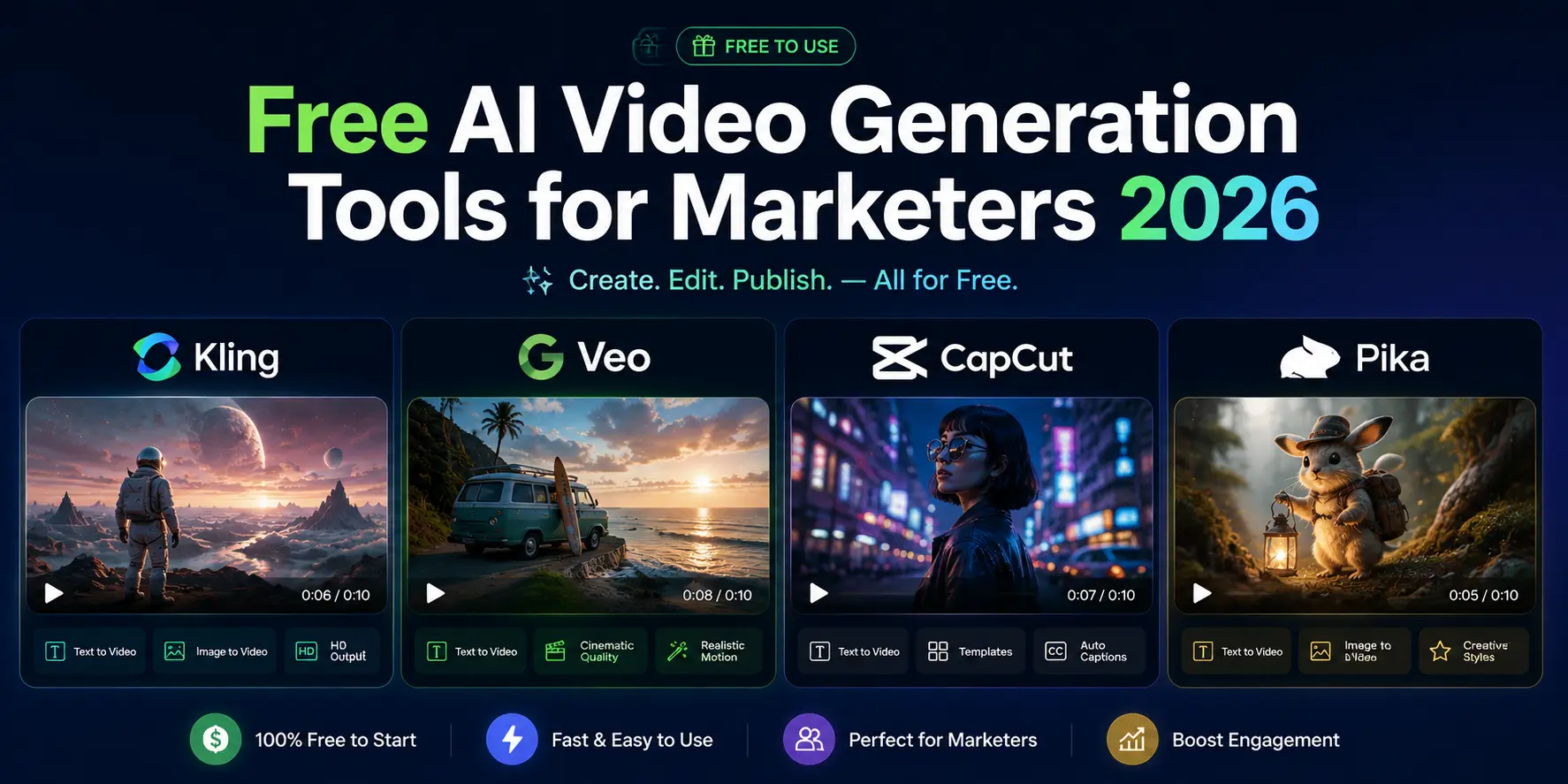
Image source: DizitalAdda
Can You Monetize Free AI Videos on YouTube and Social Media?
Monetization is a complex topic in 2026. While most platforms allow you to post AI-generated videos to social media, the commercial rights vary wildly between free and paid tiers. For example, HeyGen explicitly restricts commercial rights on its free tier, meaning you cannot legally use those videos for paid advertisements or corporate presentations.
Kling and Google Veo generally allow social media use, but you must adhere to platform-specific disclosure requirements. YouTube, for instance, requires you to check a box indicating the content is "Altered or Synthetic" if it looks realistic. Failure to do so can lead to demonetization or channel strikes. Furthermore, watermarks from tools like Luma or Pika can sometimes trigger YouTube's "Originality" algorithms, potentially reducing your reach in the Shorts feed.
Why AI Videos Fail — Understanding Physics and Consistency Issues
Even the most advanced models in 2026 still face technical hurdles. Understanding these "failure points" can help you write better prompts and choose the right tool for the job. According to research from PixVerse , there are three main areas where free tools often struggle:
- Temporal Consistency: This refers to a character's ability to stay the same person from frame 1 to frame 100. Free models often "morph" faces during fast movement.
- Fluid Physics: Simulating liquids (pouring coffee, rain, waves) is computationally expensive. Sora 2 is currently the leader here, while faster models like HaiLuo often produce "gelatinous" looking water.
- Text Rendering: Most models still struggle to render legible text within a video scene. If your scene requires a specific sign or logo, it is often better to add it in post-production using a tool like Adobe After Effects.
Frequently Asked Questions
Which free AI video generator has no watermark in 2026?
As of late 2026, Google Veo 3.1 (via AI Studio) is the most prominent cloud-based tool that does not overlay a visible watermark, though it does include invisible SynthID metadata. For a completely watermark-free experience, your best option is to run open-source models like Stable Video Diffusion or WAN 2.7 locally using ComfyUI.
Can I use free AI videos for my business?
It depends on the tool's Terms of Service. Most free tiers (like Luma and Runway) are for personal, non-commercial use only. If you intend to use the video for a business website or a paid ad, you typically need to upgrade to a paid plan to secure the necessary commercial rights. Always check the specific "Commercial Terms" page of the tool you are using.
How do I get more credits on Kling AI for free?
Kling AI offers a daily check-in system where you receive approximately 66 credits every 24 hours. These credits do not stack, so you must use them or lose them. Occasionally, Kling runs community events on their Discord or social media channels where users can earn bonus credits by sharing their best generations.
Is there a free AI video generator for Android or iOS?
Most of the tools mentioned, such as Kling, Veo, and Luma, are web-based and work well in mobile browsers. Additionally, the CapCut mobile app has integrated several AI video features, including an AI expander and upscaler, which are highly effective for mobile-first creators.
What is the best AI video tool for realistic humans?
Google Veo 3.1 and HaiLuo AI (MiniMax) are widely regarded as the top choices for realistic human movement and facial expressions in 2026. Veo excels at cinematic realism, while HaiLuo is particularly strong at capturing subtle emotional shifts and micro-expressions.
Key Takeaways for Choosing Free AI Video Tools
- Prioritize Daily Resets: Tools like Google Veo and Kling AI offer daily credits, making them more sustainable for long-term projects than one-time trials.
- Use Image-to-Video for Consistency: You will achieve much better results by generating a high-quality base image first and then animating it in Luma or Kling .
- Leverage Local Hosting: If you have a powerful NVIDIA GPU, ComfyUI is the only way to bypass all credit limits and watermarks.
- Stack Your Tools: Use the "Zero-Cost Pipeline" by generating in one tool, upscaling in CapCut , and editing in ElevenLabs to maximize quality.
- Check Monetization Rights: Never assume a free video is safe for commercial use; always verify the specific license for the free tier you are using.
- Mind the Physics: For complex liquid or collision simulations, Sora 2 remains the gold standard, even with its strict credit limits.
Start by testing Google Veo 3.1 in AI Studio today to see how 50 daily credits can transform your creative workflow without any upfront cost.















