Home
How to Select Top Rated Notes AI Tools for Your Specific Workflow
The landscape of notes AI has evolved from simple transcription to sophisticated learning assistants. For students, tools like Turbo AI and Mindgrasp offer specialized STEM support and LMS integration. Professionals often find Read AI highly effective for meeting automation and enterprise-grade security. Choosing the right tool depends on whether you prioritize audio capture, PDF summarization, or long-term memory through flashcards.
Image source: Mem.ai
Why Most People Use AI Note Takers the Wrong Way
In the current era of automated productivity, a common pitfall is the "Recording vs. Understanding" gap. Many users assume that simply having an AI record a lecture or a business meeting is sufficient for retention. However, research suggests that passive consumption of AI-generated summaries can lead to a "passive learning trap," where the user feels they understand the material without actually internalizing the nuances.
According to expert critiques, such as those from Learning and Technology with Frank , letting an AI do 100% of the work can result in lower exam scores or missed meeting action items. The key is Active Interrogation . Instead of just reading a summary, users should engage in conversational interactions with the AI assistant. This involves asking the tool to clarify complex points, provide alternative examples, or quiz the user on the content it just summarized.
Tools like Evernote AI now facilitate this by allowing students to "chat" with their notes. This shift from static documentation to dynamic dialogue ensures that the AI acts as a tutor rather than just a stenographer. By interrogating the output, you bridge the gap between having the information and actually knowing it.
Which Notes AI Tool Fits Your Daily Routine?
Selecting a tool requires a clear understanding of your primary input and desired output. A student studying organic chemistry has vastly different needs than a project manager coordinating a global team across three time zones. The following framework categorizes the leading options based on their core strengths and user roles.
| Tool Name | Primary Use Case | Key Feature | Privacy Level |
|---|---|---|---|
| Turbo AI | Academic/STEM | Diagram & Formula Support | Standard |
| Read AI | Enterprise Meetings | Automated Action Items | SOC 2 / HIPAA |
| Mindgrasp | Research/Study | LMS (Canvas) Integration | Standard |
| NoteGPT | Quick Summaries | No Sign-up Required | Public/Open |
| RemNote | Long-term Memory | Spaced Repetition | Private Workspace |
Options for Students and Academic Research
For those in the academic sphere, Turbo AI stands out as a top choice, boasting a user base of over 10 million. Its specific focus on student workflows allows it to handle technical subjects that standard AI models often struggle with. Similarly, Mindgrasp has carved a niche by integrating directly with Learning Management Systems (LMS) like Canvas and Blackboard, making it a seamless addition to a student's existing digital environment.
Another notable mention is Kuse.ai , which provides a significant advancement in how notes are structured. Instead of a generic wall of text, users can choose specific styles such as the Cornell Method or Mind Maps. This flexibility is vital for different subjects; a history lecture might benefit from a chronological outline, while a biology chapter is better served by a visual mind map.
Choices for Professional Meetings and Enterprise Security
In a corporate setting, the requirements shift toward integration and compliance. Read AI is widely considered one of the most robust options for professionals. It integrates directly with Zoom, Microsoft Teams, and Google Meet, providing not just a transcript, but a high-level recap with identified action items and "speaker sentiment" analysis. This allows team members to focus on the conversation rather than frantic typing.
For those who are frequently on the move, Smart Noter offers a mobile-first approach. It supports live translation and transcription in over 60 languages, making it a strong contender for international business. Its ability to sync across devices ensures that a note taken on a smartphone during a site visit is immediately available on a desktop for further refinement.
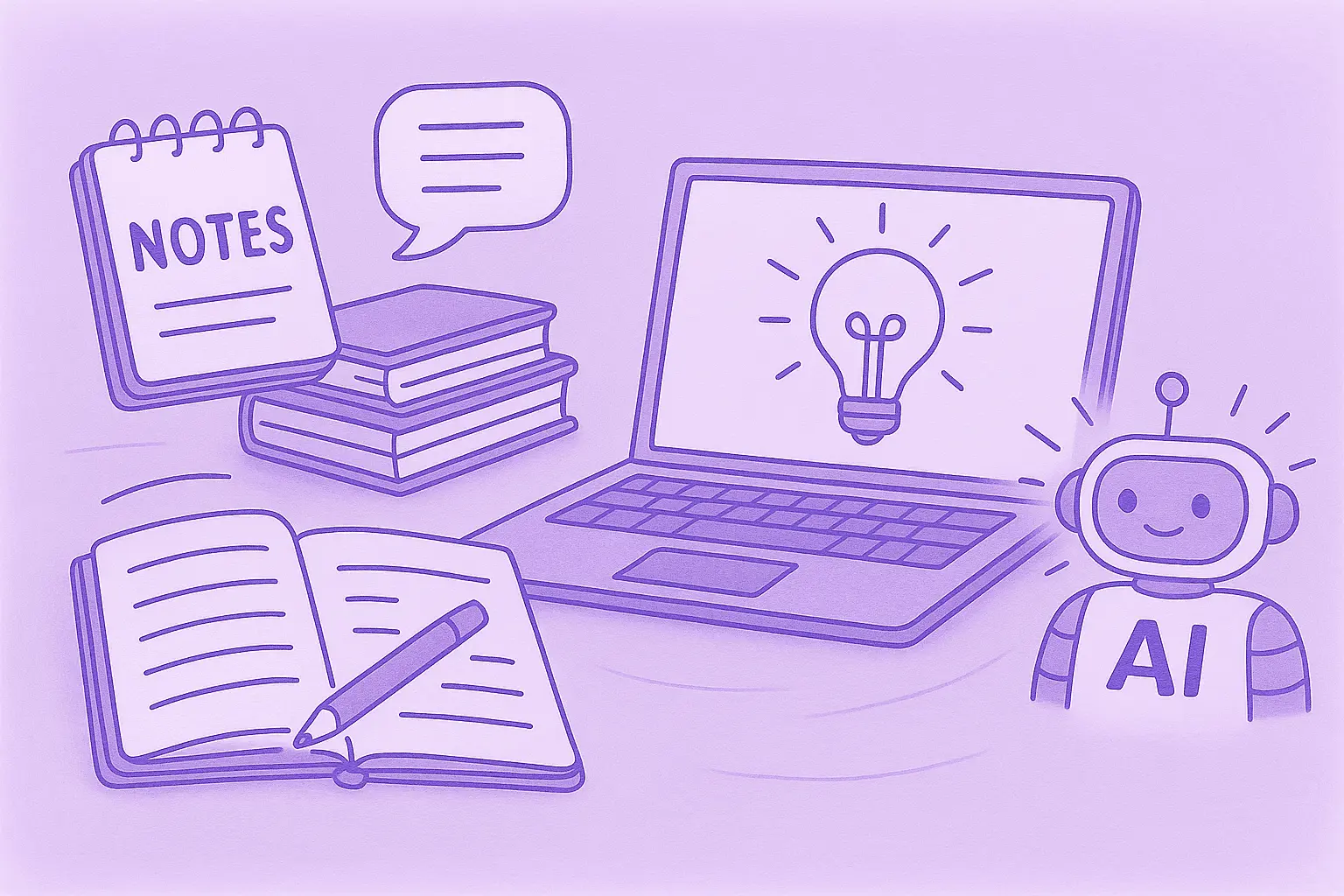
Image source: MeetGeek
How to Build a High-Performance AI Note Taking Stack
Relying on a single tool is often less effective than building a "Note-Taking Stack." This multi-step strategy ensures that information is captured accurately, refined for clarity, and stored for long-term retrieval. By combining the strengths of different platforms, you create a workflow that few individual apps can match.
- The Capture Layer: Use a tool like Read AI or Smart Noter to record the raw audio or video. These tools are optimized for high-fidelity transcription and speaker identification, ensuring the "source of truth" is preserved.
- The Refinement Layer: Export the raw transcript into a workspace like RemNote . Here, you can use AI to generate spaced-repetition flashcards from the key concepts. This step moves the information from a document into a system designed for memory retention.
- The Supplemental Layer: Use a Chrome extension like Mindgrasp to pull in context from related YouTube videos or research papers. If a meeting mention a specific technical term, the AI can find a 2-minute explainer video and summarize it directly into your notes.
Are Your AI Generated Notes Actually Secure?
Privacy is a major concern when feeding proprietary business data or personal study notes into an LLM. Many "free" tools operate on a data-trade-off model, where your inputs may be used to train future iterations of the model. For personal study, this might be acceptable, but for corporate use, it is often a deal-breaker.
When evaluating a notes AI , look for specific compliance standards. Read AI sets a high standard in this area, explicitly citing SOC 2 Type 2, GDPR, and HIPAA compliance. Crucially, they maintain a "no training on user data by default" policy for enterprise clients. This ensures that your confidential strategy meeting doesn't accidentally become part of a public AI's knowledge base.
For users who prefer "no sign-up" tools like NoteGPT , it is important to understand that these are best used for non-sensitive information, such as summarizing a public YouTube video or a general textbook chapter. Always verify the data retention policy before uploading sensitive PDFs.
How AI Handles Complex STEM and Mathematical Formulas
Standard Large Language Models (LLMs) frequently struggle with mathematical notation, often "hallucinating" symbols or failing to maintain the logic of a proof. This is a significant hurdle for students in physics, engineering, or advanced mathematics. However, recent initiatives are making strides in this area.
The Simons Foundation Initiative , a $5 million effort, focuses on helping humans understand and build on AI-generated mathematical results. This involves using formal languages like Lean to create computer-verifiable proofs. Tools like Turbo AI are beginning to integrate these more rigorous logical frameworks to ensure that when a student asks for a derivation of a formula, the output is mathematically sound.
According to data from OpenAI , producing a major mathematical result can require significant compute—sometimes equivalent to hours of "thinking" time for an advanced model. While consumer-grade note-takers aren't at that level yet, the top-tier options are increasingly capable of rendering LaTeX formulas and technical diagrams accurately.
Why the Cornell Method Still Matters in the Age of AI
The Cornell Method, developed by Walter Pauk at Cornell University, remains a highly effective strategy for retention because it forces the user to condense and organize information. In the age of AI, this method hasn't become obsolete; it has become automated. Tools like Kuse.ai can take a 60-minute transcript and automatically format it into the classic Cornell layout: Cues on the left, Notes in the center, and a Summary at the bottom.
The value of an AI-generated Cornell note lies in the "Cue" column. The AI identifies the most important questions or keywords, allowing the student to cover the "Notes" section and test themselves. This transforms a static summary into an active study tool. While a simple bulleted list is easy to read, a structured Cornell note is designed for the cognitive work of learning.
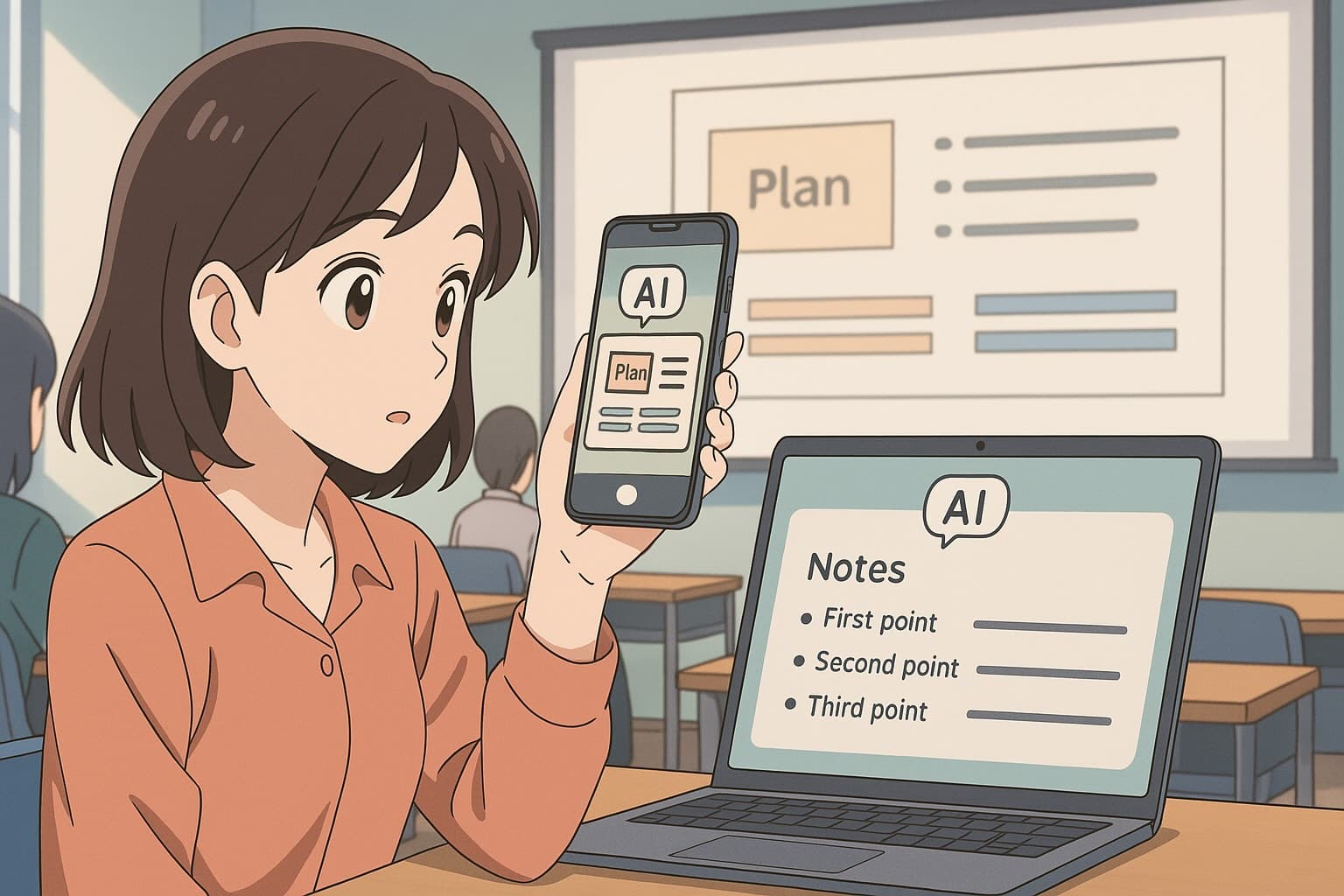
Image source: photes.io
Step by Step Guide to Turning a PDF into a Study Plan
One of the most impactful uses of notes AI is the ability to transform a dense textbook chapter or research paper into a structured study plan. Here is how to do it effectively:
- Upload and Parse: Use a tool like NoteGPT or Kuse.ai for quick processing. These tools can handle large PDFs and extract the text while maintaining the hierarchy of headings.
- Define the Output: Instead of a general summary, instruct the AI to generate three specific things: a 10-point bulleted summary, a list of 5 key "why" questions, and a mind map of the core concepts.
- Generate Flashcards: Move the key terms into RemNote . The AI can automatically generate "cloze deletions" (fill-in-the-blank) flashcards, which are exceptionally strong for memorizing definitions.
- The Interrogation Phase: Ask the AI: "What are the three most likely exam questions based on this text?" and "Explain the most difficult concept in this PDF as if I were a beginner."
Key Takeaways for AI Note-Taking
- Prioritize active engagement over passive recording to ensure long-term retention of information.
- Match the tool to the task , using Read AI for professional meetings and Turbo AI for academic STEM subjects.
- Build a multi-tool stack to handle capture, refinement, and storage separately for better results.
- Verify security credentials like SOC 2 or HIPAA if you are handling sensitive or proprietary data.
- Leverage structured methods like the Cornell Method, which AI can now automate for better exam preparation.
- Interrogate your notes by asking the AI to quiz you or provide clarifications on complex topics.
Start by identifying your biggest bottleneck—whether it's recording speed or study retention—and test one of the top-rated tools mentioned above to see how it fits your daily routine.
Frequently Asked Questions
What is a top rated free AI for taking study notes?
For students looking for cost-effective options, NoteGPT and Mindgrasp offer highly competitive free tiers. NoteGPT is particularly popular because it often allows for quick summarization without a mandatory sign-up process. Mindgrasp provides a robust free version that includes its "AI Tutor" feature, though some advanced integrations with LMS platforms may require a premium subscription. Always check the current limits on file uploads or recording minutes, as these can change frequently.
Can AI take notes from a YouTube video effectively?
Yes, many modern tools are specifically designed for this. NoteGPT and Mindgrasp allow you to paste a YouTube URL directly into the interface. The AI then processes the video's transcript to generate summaries, timestamps, and even quizzes. This is a significant step forward for visual learners who use video platforms as their primary source of information but need a written reference for review later.
Is there an AI that can summarize my handwritten notes?
Tools like Evernote have long featured Optical Character Recognition (OCR) to make handwritten notes searchable. In 2026, this has evolved with AI assistants that can not only read the handwriting but also summarize it and clean up the formatting. This is particularly useful for students who prefer the tactile feel of pen and paper but want the organizational power of a digital AI assistant.
How do I use AI to take notes in Google Meet for free?
Read AI offers a free tier that typically includes a set number of meeting reports per month. By inviting the Read AI bot to your Google Meet, it will automatically record, transcribe, and summarize the session. Other options include browser extensions that capture the live captions provided by Google Meet and feed them into an AI summarizer, though the direct bot integration usually provides a more accurate and structured result.
Are AI note-takers safe for confidential business meetings?
Safety depends entirely on the tool's compliance and data policies. For confidential meetings, it is highly recommended to use enterprise-grade tools like Read AI , which are SOC 2 Type 2 and HIPAA compliant. These tools generally offer a "private mode" where data is not used for model training. Avoid using "no sign-up" or generic free tools for sensitive business discussions, as their data handling practices may not meet corporate security standards.
Does AI note-taking work for medical students?
AI note-taking is increasingly popular among medical students due to the high volume of complex information they must process. Tools that offer HIPAA compliance are essential if any patient data is involved. Furthermore, the ability to generate flashcards for spaced repetition (like in RemNote ) is a major improvement for memorizing vast amounts of anatomical and pharmacological data. Some specialized tools also offer better recognition of medical terminology to reduce transcription errors.