Home
How to Use an AI Email Formalizer to Sound More Professional at Work
An email formalizer is an AI-powered tool that uses Natural Language Processing (NLP) to rewrite informal or blunt drafts into professional communication. These tools act as "style translators," adjusting tone and vocabulary to suit workplace standards without changing the original intent. Leading options include Goblin.tools (popular for neurodivergent users), Phrasly (focused on privacy), and Sapling.ai (enterprise-grade utility). Using these tools can save time and reduce misunderstandings, which currently cost businesses nearly $400 billion annually.
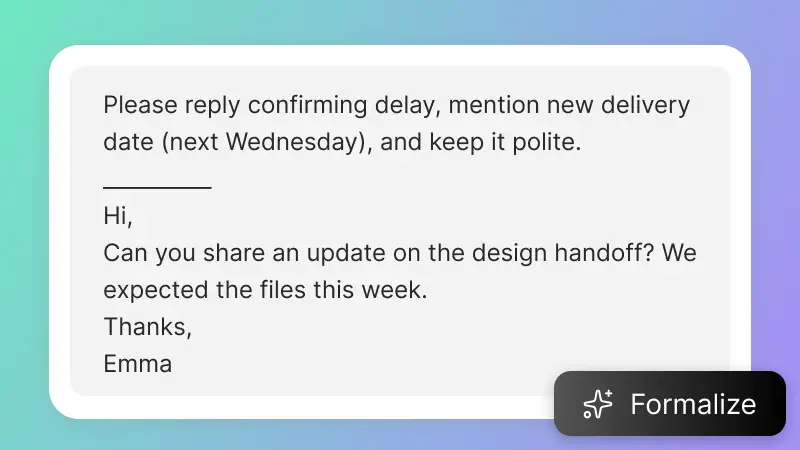
Image source: Formalizer
What Is an AI Email Formalizer and How Does It Work?
At its core, an AI email formalizer is a specialized application of Large Language Models (LLMs). Unlike general-purpose chatbots, these tools are often fine-tuned specifically for "code-switching"—the act of shifting between different linguistic registers. According to technical research on LLMs as formalizers , these systems identify informal markers such as slang, contractions, and blunt imperatives, replacing them with professional equivalents that maintain the user's core objective.
The mechanics of tone shifting involve several layers of processing. First, the AI tokenizes the input text, breaking it down into manageable units. It then analyzes the context to determine the relationship between the sender and the recipient. For instance, a message to a direct report requires a different level of formality than a message to a CEO. The AI then applies a "temperature" setting—a parameter that controls the randomness of the output—to ensure the result is structured and predictable rather than creative or erratic.
The economic impact of this technology is significant. Poor writing and unclear communication are estimated to cost businesses nearly $400 billion every year due to lost productivity and damaged professional relationships. As we move toward late 2026, adoption trends suggest that 85% to 95% of companies will have integrated some form of AI writing assistance into their standard workflows. This shift isn't just about speed; it's about ensuring clarity in a globalized workforce where English is often a second language for many participants.
Top AI Email Formalizer Tools for Every Professional Need
The market for tone-shifting tools has matured rapidly, offering specialized solutions for different user profiles. Whether you are a mobile professional or a privacy-conscious executive, there is a tool designed for your specific workflow.
Goblin Tools Formalizer for Neurodivergent Professionals
Goblin.tools has emerged as a standout choice, particularly within the neurodivergent community. For individuals with ADHD or Autism, navigating the "unwritten rules" of office communication can be exhausting. This tool uses a unique "spiciness" level metaphor, allowing users to adjust the intensity of the formalization. A low setting might just fix grammar, while a high setting completely transforms a blunt request into a highly polished corporate message. Many users describe it as a "social prosthetic" that helps bridge the gap in social nuance.
Phrasly AI for Privacy-Conscious Writing
For those working with sensitive information, Phrasly AI offers a compelling value proposition. One of its primary features is a "no-training" guarantee, ensuring that the text you input is not used to improve the underlying AI models. This is a critical distinction from many free tools that harvest data for training purposes. Phrasly typically offers a free limit of around 300 words, making it suitable for standard emails, with higher limits available for premium users.
LeapMe AI Keyboard for Mobile Efficiency
Communication doesn't always happen at a desk. The LeapMe AI Keyboard addresses the mobile professional's needs by integrating formalization directly into the smartphone keyboard. This eliminates the need to copy-paste text between a browser and an email app like Gmail or Outlook. By using engines like GPT-4 and Claude, it provides high-quality tone shifting on the go, allowing users to respond to urgent requests with professional poise even while commuting.
Formalizer.ai and Formalizer.net for High-Volume Drafts
When dealing with longer documents or high volumes of text, tools like Formalizer.ai and Formalizer.net are top-tier options. Formalizer.ai allows for drafts up to 1,000 words, while Formalizer.net offers a 2,000-character limit for its free tier. These platforms are particularly useful for transforming rough meeting notes into formal summaries or turning a series of bullet points into a cohesive project proposal.
Sapling.ai for Enterprise Utility
Sapling.ai is widely regarded as a strong contender for enterprise environments. It offers browser extensions that work across various platforms, including LinkedIn, Salesforce, and Zendesk. Its "Informal to Formal" utility is designed to help customer support and sales teams maintain a consistent brand voice. By integrating directly into the browser, it reduces the friction of switching between tools, making it a popular choice for teams that prioritize efficiency.
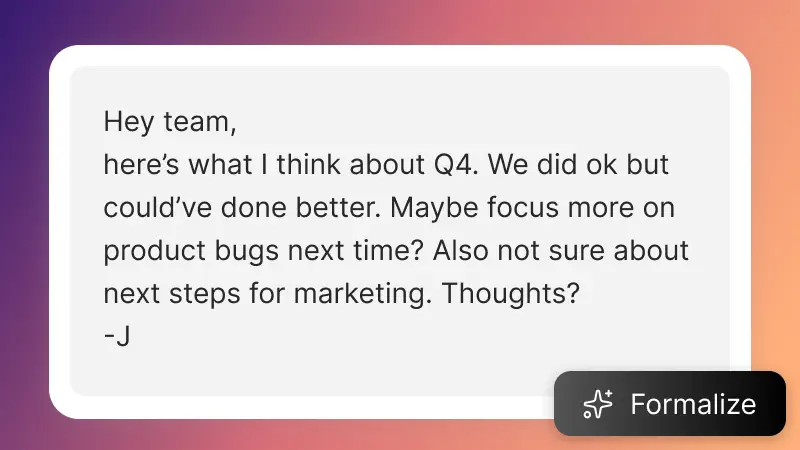
Image source: Formalizer
How to Choose the Right Tool Based on Word Limits and Privacy
Selecting the right formalizer requires balancing your need for length against your requirements for data security. The following table provides a decision framework based on the most recent data for 2026.
| Tool Name | Free Word/Char Limit | Privacy Level | Best For |
|---|---|---|---|
| Goblin.tools | Unlimited (Current) | Medium | Neurodivergent professionals |
| Phrasly.ai | 300 Words | High (No-training) | Privacy-conscious users |
| Formalizer.ai | 1,000 Words | Medium | Long-form drafts |
| LeapMe | Varies | Medium | Mobile/Keyboard use |
| Sapling.ai | Extension-based | High (Enterprise) | Sales & Support teams |
How to Formalize an Email Without Sounding Like a Robot
One of the significant challenges of using AI for communication is the "uncanny valley"—a state where the writing is so perfectly formal that it feels inauthentic or robotic. Research published in the SAGE Journal suggests that overly formal AI communication can actually erode trust if the recipient perceives it as a lack of genuine effort. To combat this, you should employ a strategic approach to refinement.
The Multi-Pass Refinement Strategy is a highly effective way to maintain your human voice while benefiting from AI structure:
Use a formalizer to fix the basic structure, grammar, and tone. This removes bluntness and ensures the "ask" is clear.
If the output feels too stiff, run it through a "Concise" or "Friendly" setting. This often reintroduces a more natural flow.
Manually add one specific detail that only you would know. A reference to a previous conversation or a shared project detail instantly signals that a human is behind the message.
Another common pitfall is "complexity degradation." As the complexity of the request increases, LLMs may default to repetitive sentence structures. If you notice your email starting every sentence with "I would like to..." or "Please be advised...", it is time to manually intervene and vary the syntax. The goal is to use the AI as a foundation, not a final product.
Why Neurodivergent Professionals Use Formalizers as Social Prosthetics
For many neurodivergent individuals, workplace communication is a minefield of hidden expectations. The "Double Empathy Problem" suggests that communication breakdowns between neurodivergent and neurotypical people are a two-way street, but in the corporate world, the burden of adaptation often falls on the neurodivergent employee. AI formalizers act as a bridge, helping users navigate these social nuances without the high cognitive load of manual "masking."
Tools like Goblin.tools are particularly celebrated because they don't just "fix" writing; they validate the user's intent. By providing a "spiciness" scale, the tool allows a user to say, "I am feeling very frustrated, but I need to sound professional." The AI strips the emotional heat while preserving the objective. This reduces writing anxiety and helps prevent the "blank page syndrome" that often accompanies high-stakes communication.
Furthermore, these tools help in understanding "unwritten" office rules. For example, a blunt "Where is the report?" might be perceived as aggressive, whereas "I was checking in to see if there were any updates on the report timeline" is seen as a gentle nudge. The formalizer teaches these patterns over time, acting as a real-time coach for professional etiquette.
Safe AI Practices for Handling Sensitive Corporate Data
As AI adoption reaches nearly 95% in some sectors, data sovereignty has become a primary concern for IT departments. When using an email formalizer, you must distinguish between tools that use your data for training and those that process it ephemerally. A "no-training" guarantee, like the one offered by Phrasly, is a significant advancement in user protection.
To ensure maximum safety, follow the Anonymization Rule before using any web-based tool:
- Replace specific names with placeholders like [Manager Name].
- Swap project titles for generic terms like [Project X].
- Remove specific financial figures or dates.
- Formalize the anonymized text.
- Re-insert the sensitive data manually before sending the email.
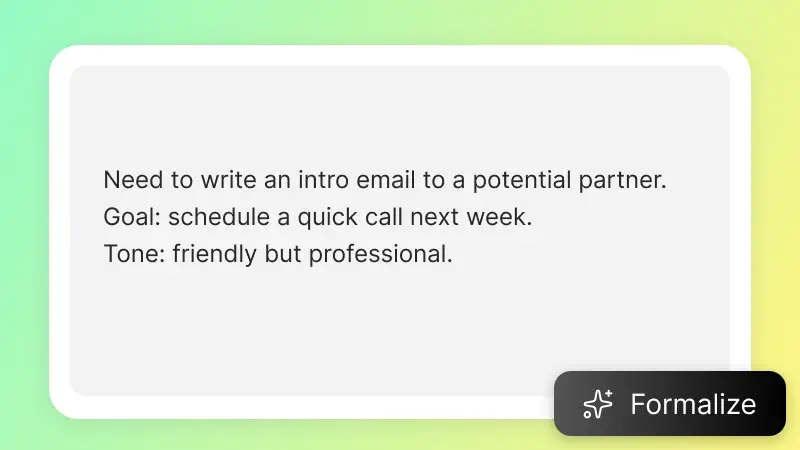
Image source: Formalizer
Prompt Engineering for Manual Email Formalization
While specialized tools are convenient, you can achieve nuanced results by using general AI models like ChatGPT or Claude with specific prompts. This allows for greater control over the relationship dynamics expressed in the email.
Here are three highly effective prompt templates for manual formalization:
- The Collaborative Peer: "Rewrite this draft to be professional but maintain a collaborative, peer-to-peer relationship. Avoid sounding hierarchical."
- The Executive Summary: "Formalize this for a C-suite audience. Focus on brevity, bottom-line impact, and clear action items. Remove all filler words."
- The Gentle Nudge: "Turn this blunt follow-up into a professional inquiry that acknowledges the recipient's busy schedule while still emphasizing the deadline."
By using these prompts, you move beyond simple tone shifting and into the realm of strategic communication. You can even ask the AI to "explain the changes" it made, which helps you learn the professional registers for future use.
Frequently Asked Questions
Yes, as of late 2026, Goblin.tools remains a free resource. It is widely supported by the neurodivergent community and operates on a donation-based model. It does not require an account for basic formalization tasks, making it one of the most accessible options for quick tone adjustments.
Yes, several tools offer this functionality. Sapling.ai provides a browser extension that works directly within the Gmail interface. For mobile users, the LeapMe AI keyboard allows you to formalize text within any app, including Gmail and Outlook, without needing to switch windows.
The key is to remove "you" statements that sound accusatory and replace them with objective, process-oriented language. Instead of saying "You missed the deadline," a formalizer will suggest "The project has exceeded its original timeline." This shifts the focus from personal blame to the business objective.
It varies by tool. Many free web-based formalizers do send data to third-party AI providers, and some may use it for training unless you opt out. Tools like Phrasly.ai explicitly state they do not use your data for training. Always check the "Data Privacy" or "Terms of Service" section of any tool you use.
This usually happens because the AI defaults to the most common professional patterns, which can be repetitive. To fix this, use the "Multi-Pass Refinement" strategy: run the text through a "Friendly" or "Concise" setting after the initial formalization, and always add one personal, human detail before hitting send.
Final Thoughts on Mastering Professional Email Communication
Using an AI email formalizer is a significant step toward more efficient and clear workplace communication. However, these tools are most effective when used as a foundation rather than a total replacement for human judgment.
- Code-switching: Use AI to bridge the gap between casual thoughts and professional expectations.
- Privacy First: Always anonymize sensitive data before pasting it into any web-based AI tool.
- Neurodiversity Support: Leverage "spiciness" levels to navigate social anxiety and unwritten office rules.
- Avoid the Uncanny Valley: Use multi-pass refinement to ensure your emails don't sound overly robotic.
- Strategic Prompts: Use ChatGPT or Claude for more nuanced control over relationship dynamics.
- Human-in-the-Loop: Always review the final output for repetitive structures or "AI-isms."
To start improving your communication today, try anonymizing your next difficult draft and running it through a formalizer to see how the tone shifts.