 Home
Home
Recent AI Tools for Construction Project Management That Actually Deliver ROI in 2026
In 2026, the most effective AI tools for construction focus on bridging the gap between office planning and field execution. ALICE Technologies leads in generative scheduling, while Togal.AI has become a top choice for automated takeoffs. For site monitoring, Buildots provides high-fidelity data by comparing 360-degree site imagery to BIM models. The primary value proposition in recent months has shifted from simple "time savings" to RFI prevention , with tools like InspectMind aiming to reduce the $2,500 average cost associated with a single design clarification.
As of late 2026, the construction industry has moved past the initial hype of general-purpose artificial intelligence. Project managers no longer ask if they should use AI, but rather which specific functional category—Plan Review, Scheduling, Estimating, or Site Documentation—will yield the highest return on investment (ROI) for their specific project scale. According to data from Flowcase , construction professionals still spend approximately 35% of their time on non-productive tasks, such as searching for project information or manual data entry. The recent crop of AI tools is designed specifically to reclaim this lost time.
The thesis for successful implementation in 2026 is clear: the most effective AI tool isn't necessarily the one with the most features, but the one that ensures data flows seamlessly from the site trailer to the executive boardroom. This "Connectivity First" approach is essential for overcoming the silos that have historically plagued large-scale builds.
Image source: Ingenious Build
Why Most Construction AI Implementations Fail Before the First Pour
The Connectivity Gap Between Office and Field
One of the most significant hurdles in adopting AI is the physical environment of the construction site. While an office team might have high-speed fiber, a site trailer in a remote location or a deep basement level often suffers from limited bandwidth. Many cloud-heavy AI models fail in these environments because they require constant, high-speed data synchronization to function. Expert analysis from Mindcore suggests that firms should "buy the connectivity first." This means prioritizing tools that offer robust offline capabilities, allowing field teams to capture data (like photos or progress updates) that syncs automatically once a connection is re-established.
The Superbike vs. Bicycle Dilemma
A common mistake in 2026 is over-tooling. Drawing from practitioner feedback on platforms like Reddit, many project managers describe the "Superbike vs. Bicycle" dilemma. An enterprise-grade AI scheduling tool costing $100,000 a year is a "Superbike"—it is incredibly powerful but represents "bloated overhead" for a small-scale renovation or a simple residential build. For those smaller projects, a "Bicycle"—a traditional, streamlined tool with a light AI layer—is often more efficient. The decision framework for 2026 requires matching the tool's complexity to the project's risk profile and budget.
Top AI Tools for Generative Scheduling and Risk Management
ALICE Technologies: Beyond the Static Gantt Chart
Traditional scheduling has always been reactive. A project manager creates a single Gantt chart, and when a delay occurs, they manually adjust it. ALICE Technologies has emerged as a top-tier option by utilizing generative AI to run thousands of sequencing scenarios simultaneously. Instead of one path, ALICE finds the "critical path" by testing different labor allocations, equipment availability, and weather constraints. This allows teams to ask "what-if" questions: "What happens to our completion date if the concrete delivery is delayed by two weeks, but we add a second crane?" The tool provides data-driven answers in seconds, rather than days of manual recalculation.
Wrike and Asana: Predictive Risk for Administrative PM
While not construction-exclusive, generalist tools like Wrike and Asana have integrated highly effective AI layers that appeal to the administrative side of project management. These tools use machine learning to analyze historical task completion rates and flag potential slippage before it happens. If a specific subcontractor consistently misses their "submittal" deadlines, the AI alerts the PM to a high risk of schedule delay weeks before the actual work is slated to begin. This predictive capability is a significant advancement over traditional milestone tracking.
CMiC: Analyzing Historical Data for Cost Exposure
CMiC stands out for its ability to leverage decades of historical project data. In 2026, its AI modules analyze live site inputs—such as daily logs and weather trends—against past performance on similar builds. This allows the software to predict budget overruns with remarkable accuracy. By identifying cost exposure early, PMs can make informed decisions about resource reallocation or contract renegotiation before the project enters a deficit.
Recent AI Tools for Automated Takeoffs and Estimating
Togal.AI: Converting Days of Manual Work into Minutes
Estimating has historically been one of the most labor-intensive phases of pre-construction. Togal.AI uses advanced computer vision to measure and label architectural plans automatically. What used to take an estimator three days of manual clicking and dragging can now be completed as a "first pass" in minutes. The AI identifies walls, floors, and specific room types, providing a color-coded plan that the human estimator then reviews for accuracy. This doesn't replace the estimator; it elevates them to a reviewer role, allowing them to bid on more work in less time.
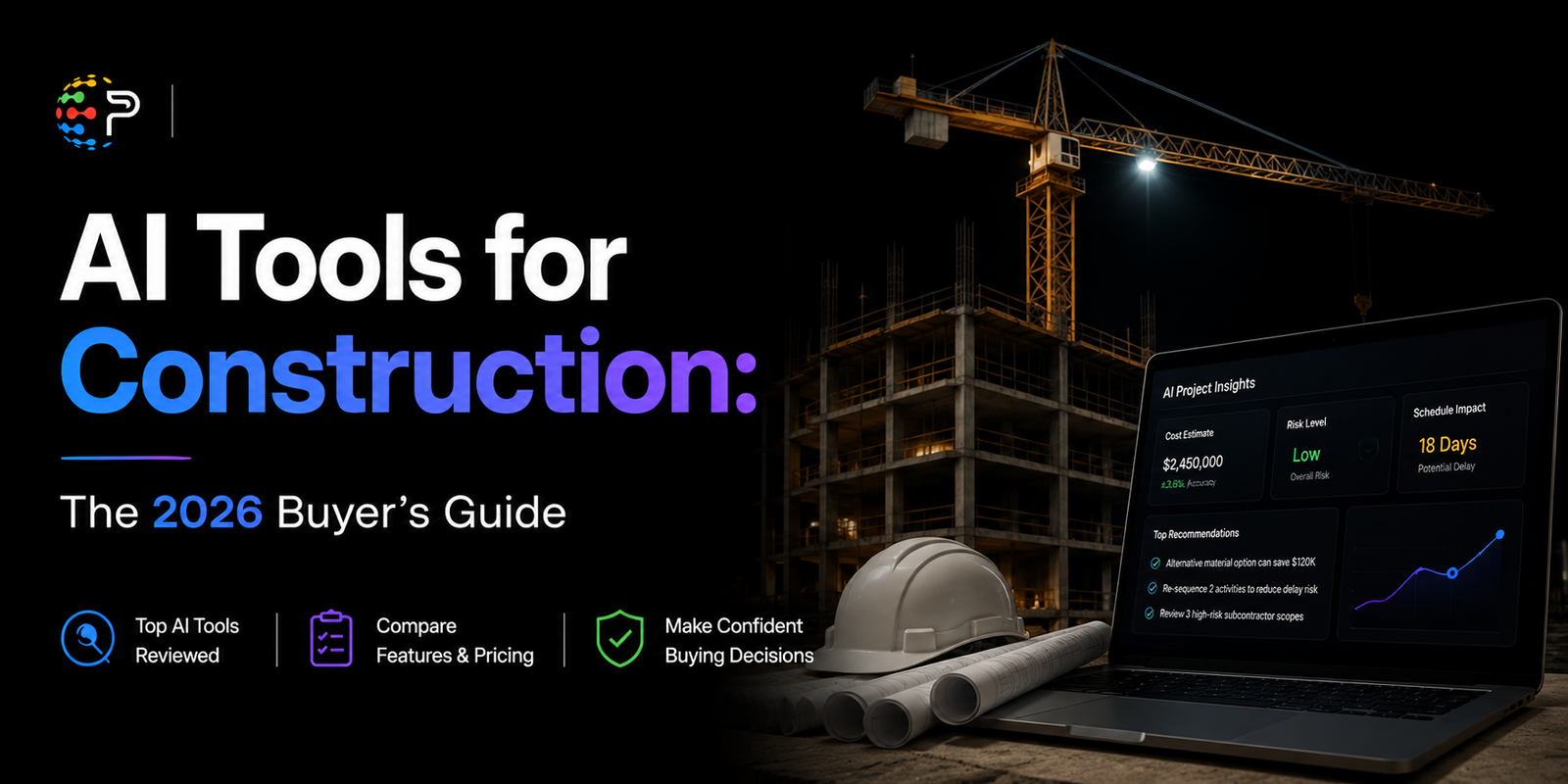
Image source: Palcode.ai
Downtobid: Streamlining Subcontractor Matching
Finding the right subcontractors for a specific scope of work is a major pain point. Downtobid utilizes AI to scan project manuals and plans, identifying every unique scope of work—from specialized glazing to specific HVAC requirements. It then matches these scopes to a database of local subcontractors, automating the initial "Invitation to Bid" (ITB) process. This ensures that the right people are looking at the right plans, reducing the volume of "no-bids" and improving the quality of the final estimate.
The Stress Test for Takeoff Accuracy
A critical piece of advice for 2026 is to never treat AI output as a "verified quantity." Expert practitioners suggest a "stress test" for any new takeoff tool. Before committing to a subscription, run your most complex, "messy," and heavily marked-up PDF set through the software. AI often struggles with inconsistent layering or non-standard architectural symbols. If the tool can handle your worst-case scenario, it is likely a reliable choice for your standard workflow.
Bridging the Gap with Site Documentation and Plan Review
Buildots: The Hardhat Camera as a Data Source
Site documentation has evolved from static photos to living data. Buildots uses 360-degree cameras mounted on hardhats to capture the reality of the site. The AI then compares this footage to the BIM (Building Information Modeling) design. If a pipe is installed three inches off from the design, or if a wall is missing its electrical rough-in, the system flags the discrepancy immediately. This creates a closed-loop system where the "as-built" reality is constantly validated against the "as-designed" plan, drastically reducing the need for expensive rework later in the project.
InspectMind: Reducing the $2,500 RFI Burden
The economics of Requests for Information (RFIs) are staggering. Research from the Navigant Construction Forum indicates that a typical commercial project generates an average of 800 RFIs. Each RFI costs between $2,000 and $3,000 to process when accounting for the time of the architect, engineer, and contractor. InspectMind and similar plan-review AI tools aim to prevent these RFIs by catching design clashes and missing information during the pre-construction phase. By identifying that a structural beam interferes with a duct run before the materials are even ordered, the software pays for itself by preventing just a handful of errors.
Specialized AI for Public Sector and Federal Contracts
For large contractors working on government projects, the administrative burden is often the highest barrier to entry. In 2026, specialized AI tools have been developed to automate the completion of complex forms, such as the SF 330 (Standard Form 330) for federal RFPs. These tools pull from a company’s project history, staff biographies, and past performance ratings to populate these massive documents in a fraction of the time. This allows firms to compete for public sector work that they might have previously avoided due to the "paperwork tax."
What Does It Actually Cost to Implement AI in 2026?
Pricing for construction AI varies significantly based on the "Bicycle vs. Superbike" model. While some tools offer flat monthly fees, others use a "percentage of project value" model, which can become expensive for mega-projects. Below is a comparison of popular options as of late 2026.
| Tool Name | Primary Function | 2026 Estimated Cost | Best For |
|---|---|---|---|
| Procore AI | Field Coordination | Starts at ~$10,000/year | Enterprise-wide management |
| Togal.AI | Automated Takeoffs | ~$299/user/month | Estimators & Pre-con teams |
| ClickUp AI | Task Management | $16/user/month | Small teams & Admin tasks |
| ALICE Technologies | Generative Scheduling | Enterprise Pricing | Complex, high-value builds |
| Downtobid | Subcontractor Matching | Free Demo / Tiered | General Contractors |
It is vital to remember that the cost of the software is only one part of the equation. The cost of "pricing a job wrong" due to over-reliance on an unverified AI takeoff can be catastrophic. Successful firms in 2026 allocate a portion of their budget not just to the software, but to the training and "human-in-the-loop" verification processes required to use these tools safely.
A 30-Day Pilot Plan for Adopting AI Without Disrupting Operations
Implementing a new tool in the middle of a project is a recipe for disaster. Instead, follow this structured 30-day pilot plan to ensure adoption.
Frequently Asked Questions
Which AI tool ranks highest for construction scheduling vs. estimating?
For scheduling, ALICE Technologies is widely considered a top choice due to its generative sequencing capabilities. For estimating and takeoffs, Togal.AI stands out for its speed and computer vision accuracy. While Procore offers modules for both, specialized tools often provide deeper functionality for these specific tasks.
Are there free AI tools for small-scale construction?
While most professional-grade tools require a subscription, Downtobid offers free demos for scanning plans, and ClickUp has a free tier that includes basic AI task management. These are excellent "Bicycle" options for smaller firms looking to experiment with AI without a large upfront investment.
Can AI tools like ChatGPT be used for contract review?
General LLMs like ChatGPT can be used for basic summaries, but they lack the specific legal and construction-context training of specialized tools. In 2026, it is highly recommended to use construction-specific AI for contract review to ensure that industry-standard clauses and local regulations are properly accounted for.
How does AI impact PMP certification requirements in 2026?
The role of the Project Management Professional (PMP) has shifted toward data analysis and AI oversight. While the core principles of project management remain, there is a much higher emphasis on "AI literacy"—the ability to interpret AI-generated risks and verify automated data outputs.
Is my proprietary blueprint data safe in these AI models?
Data privacy is a major concern. Most enterprise-grade AI tools in 2026 offer "Private Cloud" or local hosting options where your data is not used to train the public model. Always review the data security agreement to ensure your intellectual property remains protected.
The Bottom Line on Construction AI in 2026
AI is no longer a "nice-to-have" feature; it has become the primary method for reclaiming the 35% of time lost to manual coordination. To succeed in 2026, keep these key takeaways in mind:
Start your AI journey by identifying your project's biggest "time leak" and testing one specialized tool for 30 days.
All trademarks, copyrighted content, and quoted material referenced in this article belong to their respective owners. Brief excerpts are used under fair use (17 U.S.C. § 107) for purposes of commentary, criticism, and informational reporting. This article is not affiliated with or endorsed by Procore, ALICE Technologies, or Togal.AI.















