 Home
Home
What Are the Best Apps to Edit Images for Every Skill Level?
For most users in 2026, the choice comes down to three leaders: Adobe Lightroom Mobile remains a top-rated choice for professional RAW control, Snapseed stands out as a leading free option without subscriptions, and Photomator is widely regarded as one of the strongest performers for iPhone users seeking a one-time purchase. If you prioritize AI-driven automation, Luminar Neo offers a highly impactful experience for landscape and portrait enhancement.
The landscape of mobile photography has shifted dramatically in recent years. As we move through 2026, the conversation is no longer just about basic filters; it is about the integration of generative AI, the management of complex metadata, and the optimization of software for high-performance mobile hardware. Whether you are a professional photographer needing to edit RAW files on the go or a social media creator looking for a specific aesthetic, the "right" app depends entirely on your specific workflow and hardware constraints.
According to recent industry analysis from Amateur Photographer , the sheer volume of available tools has made curation essential. Users are increasingly frustrated with "subscription fatigue" and performance lag on older devices, leading to a resurgence in lightweight, utility-focused editors. In this guide, we evaluate the top contenders based on their performance, pricing models, and unique feature sets.
How to Choose the Right Image Editor for Your Needs
Choosing an app requires balancing three critical factors: manual control, AI automation, and cost. While some apps attempt to do everything, the most successful tools in 2026 specialize in a specific niche. For instance, a tool that excels at AI sky replacement might lack the granular EXIF data management required by a professional archivist.
Before diving into specific reviews, consider your hardware. As noted in community discussions on Reddit , certain popular apps have become resource-heavy, causing significant lag on Android devices older than three years. If you are using a budget or aging device, a lightweight editor like Photo Editor (iudesk) may provide a smoother experience than a feature-packed suite like VSCO.
| App Name | Price Model | Best For | Standout Feature |
|---|---|---|---|
| Adobe Lightroom | Subscription | Professionals | RAW Support & Cloud Sync |
| Snapseed | 100% Free | Casual/Prosumer | Selective Masking |
| Photomator | One-time / Sub | iPhone Users | Apple Silicon Optimization |
| Luminar Neo | Subscription | AI Enthusiasts | Sky & Light AI Relighting |
| Photo Editor (iudesk) | Free (Ads) | Technical Users | EXIF/IPTC Metadata Editing |
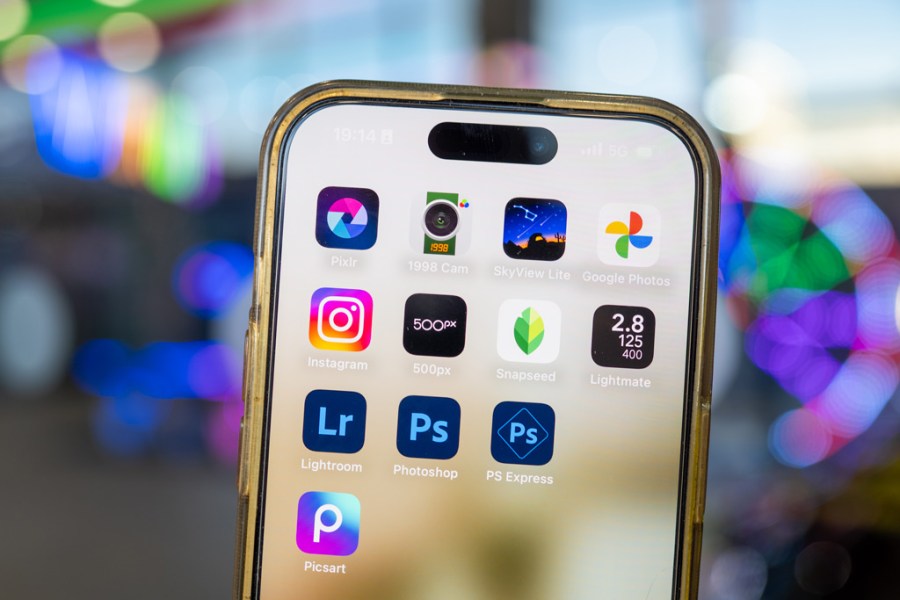
Image source: Amateur Photographer
The Best Professional Apps for Manual Control and RAW Editing
For photographers who demand the same level of control on their phone as they have on their desktop, the requirements are strict: full RAW support, non-destructive editing, and advanced masking tools. In 2026, these apps have moved beyond simple adjustments to offer sophisticated color grading and hardware-accelerated processing.
Why Adobe Lightroom Mobile Remains the Industry Standard
Adobe Lightroom Mobile continues to be a top-performing choice for those already embedded in the Creative Cloud ecosystem. Its primary strength lies in its ability to handle RAW files from virtually any modern camera, allowing for deep recovery of highlights and shadows that JPEG-only editors simply cannot match. The mobile version has reached a point where it mirrors nearly all the essential functions of the desktop application.
However, it is important to note the limitations for non-subscribers. While the basic editing tools are free, advanced features like selective adjustments (brush, radial, and linear gradients), geometry corrections, and the AI-powered "Generative Remove" tool require a monthly subscription. Expert reviews from Michelle Loufman Photography highlight that while Lightroom is powerful, the cost can be a barrier for hobbyists who don't need the full Adobe suite.
How Photomator Offers a Faster Experience for iPhone Users
Photomator has emerged as a formidable competitor to Lightroom, particularly for those within the Apple ecosystem. Unlike cross-platform apps that use their own rendering engines, Photomator is built specifically to leverage Apple’s Core Image and Metal frameworks. This results in exceptionally fast performance, especially when batch-processing hundreds of images on an iPhone or iPad.
One of its most acclaimed features is the "Smart Deband" tool, which uses machine learning to remove banding artifacts from low-quality images or heavily edited skies. For users who prefer to avoid monthly fees, Photomator offers a one-time purchase option, making it a popular choice for those seeking professional-grade tools without the recurring expense.
Managing Metadata and EXIF Data with Photo Editor (iudesk)
While most apps focus on the visual aspect of an image, professional workflows often require managing the underlying data. Photo Editor by iudesk is widely regarded as one of the strongest tools for technical image management. It allows users to view, edit, or completely strip EXIF, IPTC, and XMP metadata—a critical feature for privacy-conscious photographers or those who need to add copyright information before delivery.
Beyond metadata, this app handles niche tasks that others ignore, such as SVG rasterization and batch compression to ZIP files. It is a "utility knife" for images, providing a level of technical depth that is rare in the mobile space.
The Best Free Image Editors Without Hidden Subscriptions
The "free" category in the app store is often cluttered with tools that hide their best features behind paywalls or watermarks. However, a few standout applications continue to provide professional-grade features at no cost, sustained by larger corporate ecosystems or open-source philosophies.
Why Snapseed Is Still the Only Truly Free Powerhouse
Owned by Google, Snapseed remains a top-rated option because it offers a completely ad-free and subscription-free experience. Its "Control Point" technology, originally developed by Nik Software, allows users to place up to eight points on an image and apply selective adjustments to brightness, contrast, and saturation only in those specific areas. This level of precision is typically reserved for paid professional software.
Snapseed’s "Expand" tool is also notably innovative, using content-aware fill to grow the edges of a photo—perfect for fixing a slightly crooked horizon without losing the edges of your subject. While it hasn't received a major UI overhaul in recent years, its stability and feature set remain highly competitive.
Using Polarr to Learn the Basics of Professional Editing
Polarr is an excellent choice for beginners who want to understand the "why" behind their edits. Its interface is designed around learning; as you move sliders for temperature, tint, or luminance, the app provides visual feedback that helps you grasp color theory. According to testing by Themframes, Polarr’s free tier is generous enough to teach the basics of masking and overlays without forcing a purchase immediately.
Restoring Old Family Photos with Deep Learning Tools
In 2026, the restoration of historical photos has become a major use case for mobile editors. Apps like Colorize or specialized tools found in the comprehensive list of 145+ photo tools use deep learning to analyze B&W images and accurately predict color values. These tools are particularly effective for restoring family archives, though experts warn that they should be used as a starting point rather than a definitive historical record.
Top AI-Powered Apps for Fast and Creative Edits
AI has moved from a gimmick to a core component of the editing process. The focus in 2026 is on "generative" tools that can add or remove elements from a scene with high realism, as well as "haptic" editing that makes the process feel more physical and intuitive.
Transforming Landscapes with Luminar Neo’s AI Sky Replacement
Luminar Neo stands out for its ability to perform complex tasks that would take hours in Photoshop with just a few taps. Its "Sky AI" tool doesn't just swap the sky; it automatically relights the entire scene to match the new light source, ensuring that reflections in water and highlights on the ground look natural. The app also utilizes haptic feedback, providing subtle vibrations as you hit the "perfect" balance on a slider, a feature that many users find highly impactful for fine-tuning.
Achieving the VSCO Aesthetic Without the Performance Lag
VSCO remains a popular choice for its film-emulation presets, which are widely considered among the most accurate in the industry. However, as noted in the Reddit community , the app has become increasingly heavy, leading to performance issues on older Android builds. To avoid this, many users are turning to lighter alternatives like RNI Films , which offers similar high-quality film stocks but with a much smaller storage footprint and faster loading times.
When to Use AI Automation Versus Manual Masking
While AI can save time, it is not a replacement for a trained eye. Expert photographer Michelle Loufman notes that over-reliance on AI filters can often lead to "muddy" skin tones or "unreal" textures in portraits. The best results usually come from a hybrid approach:
- Use AI for: Sky replacement, object removal, and initial noise reduction.
- Use Manual for: Skin retouching, specific color grading, and local contrast adjustments.
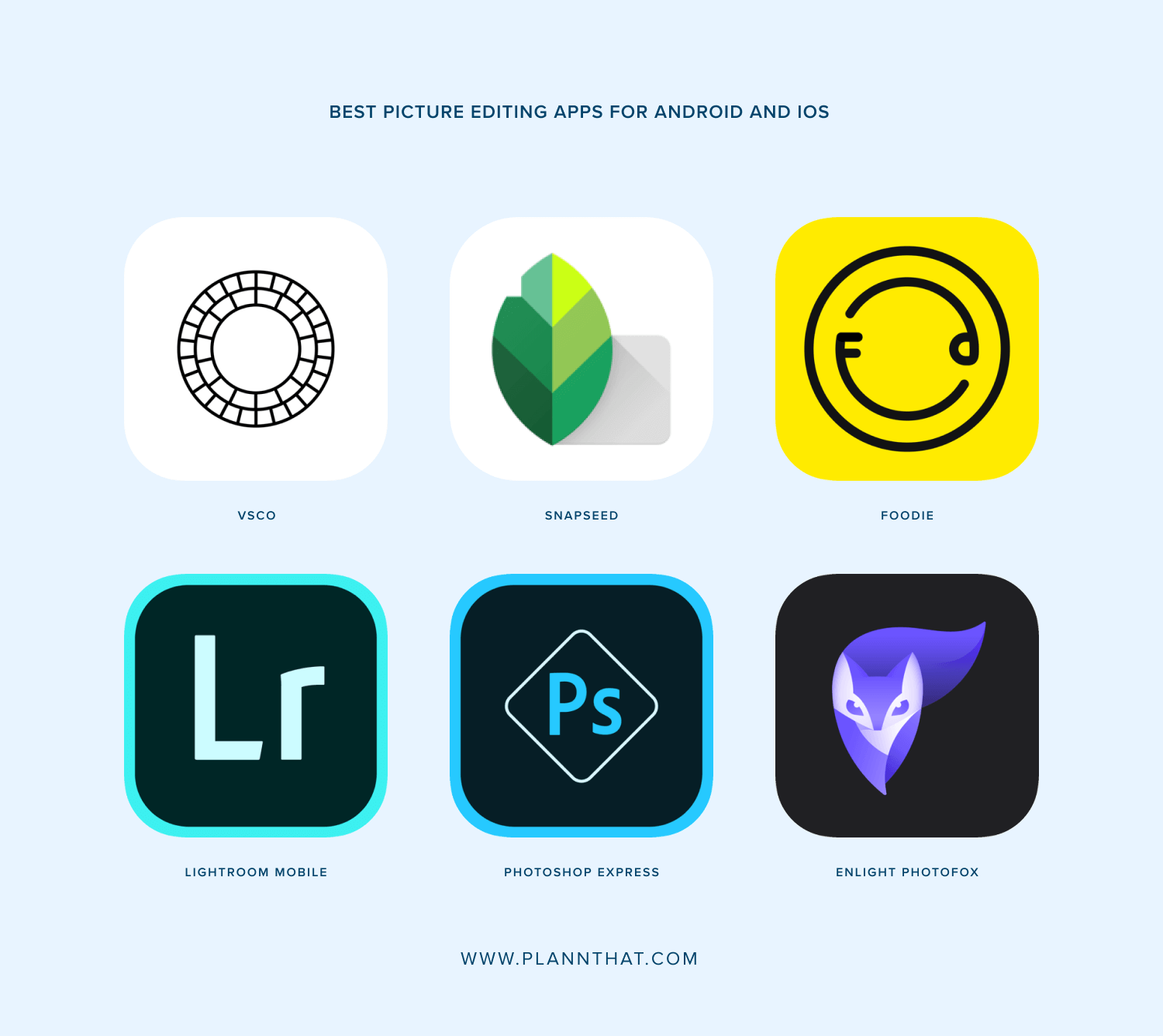
Image source: Plann
How to Avoid Performance Lag and App Crashes on Older Phones
As apps become more powerful, they also become more demanding. If you find that your favorite editor is hanging or crashing, it is likely a hardware bottleneck. Here are the steps to optimize your mobile editing experience:
- Clear the App Cache Regularly: Mobile editors store large amounts of temporary data to allow for "undo" actions. Over time, this can bloat the app and slow down the OS. Go to your phone settings and clear the cache for your most-used editing apps every few weeks.
- Limit Background Processes: Before opening a heavy app like Lightroom or Luminar, close other high-memory apps like browsers or games. This ensures the CPU can focus entirely on image rendering.
- Use "Small" Alternatives: If VSCO or Lightroom is too slow, switch to Photo Editor (iudesk) . It is designed to be lightweight and works exceptionally well on devices with limited RAM.
- Edit in Airplane Mode: Some apps constantly sync to the cloud while you edit. Turning off your data connection can sometimes reduce the processing load and prevent the phone from overheating.
Advanced Workflows for Social Media and Business
For business owners and social media managers, editing is just one part of the process. The ability to batch process images and export them in specific formats is vital for maintaining a consistent brand presence.
Batch Compression and SVG Tools for Etsy and Web Designers
If you are preparing images for an e-commerce site like Etsy, file size is just as important as image quality. Tools like Photo Editor allow you to batch compress images to a specific kilobyte limit, ensuring fast load times for your customers. Furthermore, the ability to convert images to SVG or WebP formats directly on a mobile device has become a major improvement for web designers working remotely.
Why Professional Photographers Still Use Instagram for Quick Edits
It may seem counterintuitive, but many professionals still use Instagram’s built-in editor for quick social updates. The reason isn't the quality of the tools, but the immediacy. As Michelle Loufman points out, the "Lux" slider in Instagram is a highly effective way to add instant pop to a photo before sharing it with a community, even if the heavy lifting was done in Lightroom earlier.
"The best app is the one that stays out of your way and lets your vision come through. In 2026, we have the tools to make any phone photo look like it was shot on a professional rig, but the artistry still comes from the person behind the screen."
Frequently Asked Questions
What is the best 100% free photo editor without watermarks?
Snapseed remains the gold standard for completely free photo editing. Unlike many other "free" apps that restrict features or add watermarks unless you pay, Snapseed provides its entire suite of professional tools—including RAW editing and selective masking—at no cost. It is owned by Google and contains no advertisements, making it a highly recommended choice for both casual and advanced users who want to avoid subscriptions.
Which photo editing app is easiest for beginners to learn?
Polarr is widely regarded as one of the most beginner-friendly apps due to its guided interface. It explains what each adjustment does as you use it, helping users learn the fundamentals of photo editing. Additionally, its vast library of user-created filters allows beginners to achieve professional looks with a single tap while still having the option to see how those looks were constructed.
Do I need to pay for Adobe Lightroom mobile to get professional results?
Not necessarily. While the paid version of Lightroom offers powerful features like selective adjustments and AI-powered healing, you can achieve professional results using free alternatives like Snapseed or the one-time purchase version of Photomator. The "professional" quality of an image comes more from your understanding of lighting and composition than from the specific paid features of an app.
Which photo editor uses the least battery and storage?
Photo Editor (iudesk) is specifically designed to be lightweight and efficient. It has a much smaller installation footprint than suites like Lightroom or VSCO and is optimized to run on lower-end hardware without draining the battery excessively. It is a top choice for users who need powerful technical tools without the resource overhead of modern AI-heavy applications.
Can I edit RAW files on a smartphone?
Yes, most modern smartphones support RAW editing, provided you use an app capable of reading those files. Adobe Lightroom, Photomator, and Snapseed all support RAW formats (like .DNG). However, keep in mind that editing RAW files requires more processing power and storage space than standard JPEGs, so a device with a modern processor and at least 8GB of RAM is recommended for a smooth experience.
The Bottom Line
Navigating the world of mobile image editing in 2026 requires matching the right tool to your specific goals and hardware. Here are the key takeaways to help you decide:
- Best for Professionals: Adobe Lightroom remains a top-rated choice for those needing RAW sync and deep manual control.
- Best for iPhone Users: Photomator stands out for its Apple Silicon optimization and one-time purchase model.
- Best for Free Editing: Snapseed is the leading option for a powerful, ad-free, and 100% free experience.
- Best for AI Features: Luminar Neo offers a highly impactful suite of generative tools for landscapes and portraits.
- Best for Performance: Photo Editor (iudesk) is a top-performing choice for older devices or technical metadata tasks.
- Avoid the Lag: If your phone is older, prioritize lightweight apps over feature-heavy suites to prevent crashes.
- Hybrid Approach: Use AI for heavy lifting (like sky replacement) but stick to manual tools for delicate work like skin tones.
To get started, download Snapseed for a risk-free exploration of professional tools, or try the free version of Lightroom to see if the RAW workflow fits your creative style.















