 Home
Home
Which Apps Stand Out Among the Top Choices for Editing Photos Right Now?
For most users, Snapseed remains a leading choice for high-quality editing at zero cost. Professionals seeking a deep ecosystem typically prefer Adobe Lightroom Mobile , while those avoiding monthly fees should look toward Affinity by Canva . If you prioritize AI-driven creative fixes, Luminar Neo ranks among the top options for its generative capabilities.
How We Evaluated the Top Photo Editing Apps for 2026
The landscape of mobile photography has shifted dramatically in recent years. With the advent of 200MP sensors in flagship smartphones and the integration of generative AI, the requirements for a photo editor have evolved. We are no longer just looking for simple filters; we are looking for tools that can handle massive RAW files, reconstruct backgrounds, and maintain color accuracy across different screens.
A significant frustration among modern creators is "subscription fatigue." Many apps that were once one-time purchases have moved to recurring models, often for features that feel incremental. Furthermore, the market is flooded with "AI-powered" apps that are little more than glorified skin-smoothers. Our evaluation process focused on technical output, metadata handling, and the ability to perform non-destructive edits.
According to NYT Wirecutter , testing involves using identical sample images to compare how different engines handle fine-grained adjustments like highlights, shadows, and noise reduction. We applied this same rigor, looking for apps that provide professional-grade control without compromising the user's privacy or device performance.
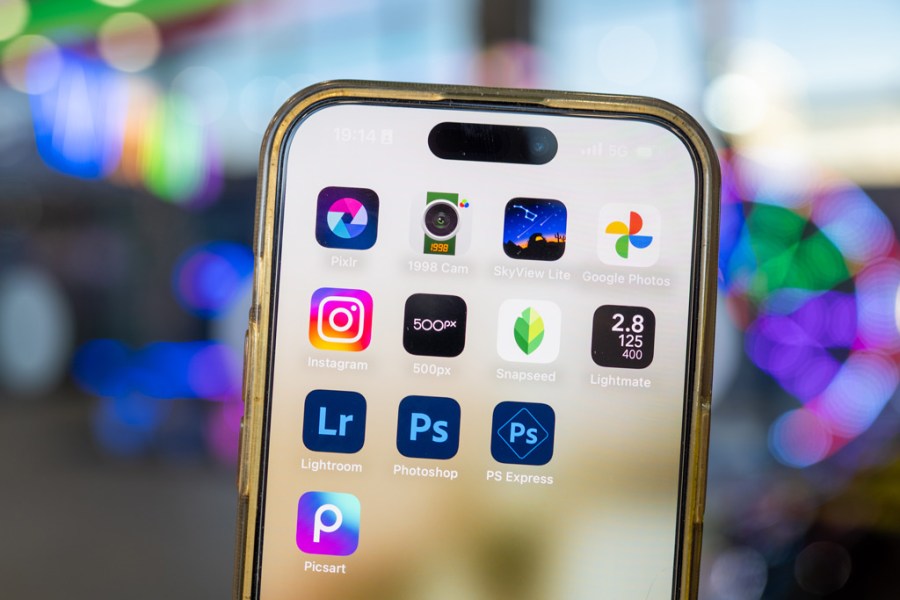
Image source: Amateur Photographer
Adobe Lightroom Mobile and the Industry Standard for Professionals
Adobe Lightroom Mobile continues to be a dominant force in the professional space. Its primary strength lies not just in its individual tools, but in the Creative Cloud ecosystem. For a photographer who starts an edit on an iPad Pro while traveling and finishes it on a desktop workstation, the synchronization is exceptionally strong. The app handles RAW files with a level of sophistication that few competitors match, particularly regarding proprietary sensor data from high-end cameras.
Precision Control and the Creative Cloud
The manual control offered by Lightroom is widely regarded as a benchmark for the industry. Users have access to detailed HSL (Hue, Saturation, Luminance) sliders, sophisticated masking tools (including AI-based subject and sky selection), and a robust geometry engine for correcting lens distortion. However, it is important to note that the mobile version does have limitations. As noted by Michelle Loufman , mobile versions often lack advanced spot healing and specific lens profile corrections found in the desktop suite.
Platform performance is another consideration. While the iOS version is generally stable, some Android users have reported more frequent bugs and performance lags, particularly when working with high-resolution files. Despite these quirks, Lightroom remains a top-tier option for those who require a seamless professional workflow and are willing to invest in the Adobe subscription model.
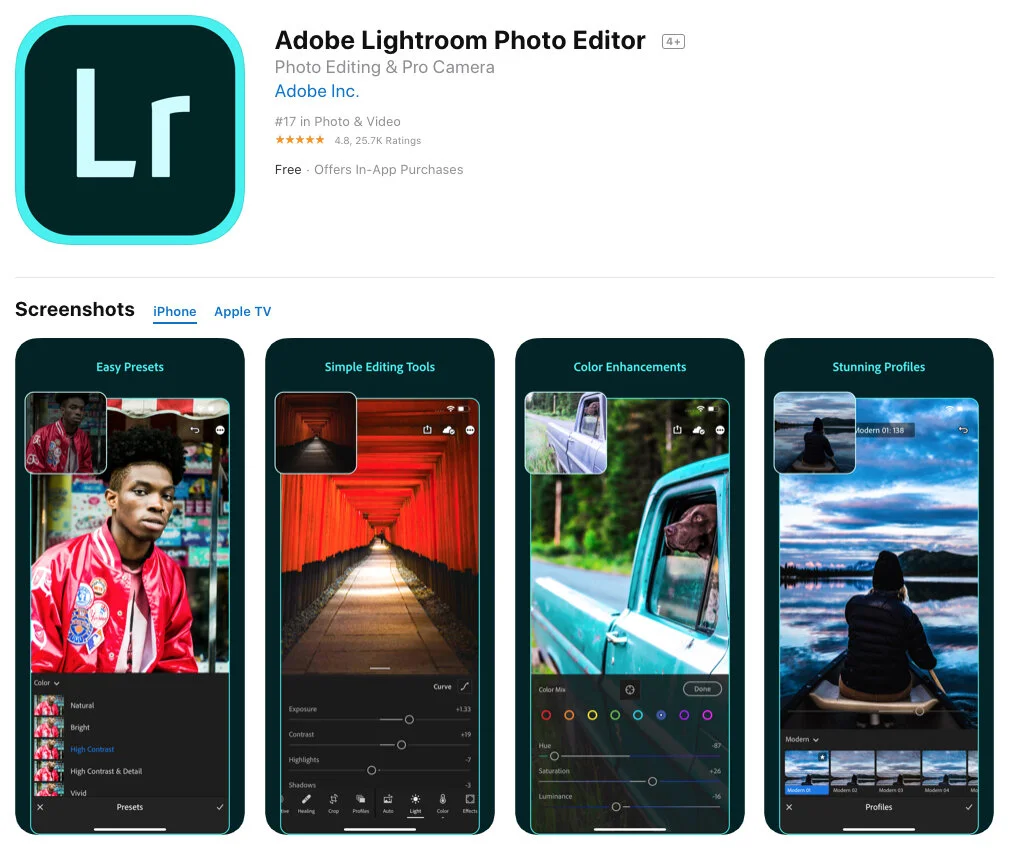
Image source: BeArt Presets
Why Snapseed Remains a Leading Choice for Free Photo Editing
If Lightroom is the professional's studio, Snapseed is the versatile pocket knife. Developed by Google, Snapseed has maintained its status as a top choice for free users because it offers a "Photoshop-like" experience without ads, watermarks, or hidden costs. It is one of the few apps that provides truly professional features entirely for free, making it a favorite for hobbyists and social media creators alike.
Non-Destructive Editing and Stacks
One of Snapseed's most innovative features is "Stacks." This allows users to view every edit they have made as a separate layer, which can be re-edited or deleted at any time without affecting the rest of the image. This non-destructive workflow is rare in free mobile apps. Tools like "Selective Adjust" and "Healing" allow for localized edits that rival paid software. According to Zapier , Snapseed is the gold standard for users who want powerful results without the complexity of a subscription.
How to Edit Photos Without Paying a Monthly Subscription
The shift toward "Software as a Service" (SaaS) has left many users looking for alternatives that offer a one-time purchase or a truly free experience. Subscription fatigue is real, and in 2026, several apps have risen to meet the demand for high-quality tools that don't require a monthly bill.
Affinity by Canva as a Professional Level Alternative
Affinity has long been a thorn in Adobe's side on the desktop, and its mobile presence is equally formidable. Recently integrated into the Canva ecosystem, Affinity offers a comprehensive suite that includes Vector, Pixel, and Layout personas. For those with a Canva account, this unlocks a level of power usually reserved for expensive professional suites. It supports non-destructive RAW editing and complex layering, providing a viable path for professionals who want to own their tools rather than rent them.
Photo Editor (iudesk) for Technical Precision
For users who prioritize utility over aesthetic filters, Photo Editor by iudesk is a highly recommended utility. This Android-centric app is not designed for "vibey" presets; instead, it excels at technical tasks like batch processing, resizing, and webpage capture. Crucially, it offers a one-time purchase to remove ads, satisfying the demand for a clean, non-subscription interface. According to Google Play Store data , it is a top choice for users who need to manage file metadata and perform precise technical adjustments.
Top AI Photo Editors for Generative Backgrounds and Fixes
AI in 2026 is no longer just about "beautifying" faces. It is about generative power—the ability to expand a background, replace a dull sky, or relight a scene based on 3D depth mapping. These tools have become a significant advancement in creative workflows, allowing for edits that were previously impossible on a mobile device.
Luminar Neo and the Physical Feel of AI Editing
Luminar Neo stands out for its haptic-driven interface. Unlike the slider-heavy UI of Lightroom, Luminar feels more tactile, using AI to automate complex tasks like "Sky Replacement" and "Relight." One of its most impressive features is "Generative Expand," which creates "breathing room" in tight portraits by generating new background data that matches the original scene's lighting and texture. As noted by The M Frames , this makes Luminar a top choice for creative photographers who want to push the boundaries of their images without spending hours on manual masking.
Why You Should Use Manufacturer Apps Before Creative Editors
A common mistake many photographers make is importing their RAW files directly into a creative editor like VSCO or Snapseed. While these apps are powerful, they often use generic RAW conversion engines that may not interpret your camera's specific sensor data accurately. For the best color starting point, we recommend a "Hybrid Workflow."
- Manufacturer RAW Processors
- Apps like Nikon NX Studio, Canon Digital Photo Professional, and Sony Imaging Edge are designed by the people who built your camera. They read proprietary metadata that third-party apps often ignore.
- Color Accuracy
- Starting your edit in a manufacturer app ensures that skin tones and color profiles (like Fuji's film simulations or Nikon's Picture Controls) are rendered exactly as intended by the engineers.
According to Amateur Photographer , using these official tools for the initial "clean up" and color correction before exporting to a mobile app for creative filters is a highly impactful way to maintain image quality.
How to Protect Your Privacy by Editing Photo Metadata
Every photo you take contains "invisible" data known as EXIF, IPTC, and XMP metadata. This can include your GPS coordinates, the exact time the photo was taken, and even your camera's serial number. Before sharing photos on social media, it is a significant step forward for your privacy to strip this information.
Using a tool like Photo Editor (iudesk) , you can view and delete this data easily. This is particularly important for professional photographers who want to embed copyright information while removing sensitive location data. Managing metadata is an often-overlooked part of the editing process, but in an era of digital tracking, it is a top-tier practice for any security-conscious user.
Expert Tips to Avoid Over-Editing and Muddy Skin Tones
The most common pitfall in mobile editing is the "more is better" approach. Over-applying filters can lead to "muddy" skin tones, where faces appear unnaturally orange or yellow. To combat this, professional photographers often follow a specific framework.
"Good light first, background second. Even a top-rated AI editor cannot fix a poorly backlit scene where the subject's face is completely underexposed." — Derived from Michelle Loufman's professional workflow.
- The 50% Rule: Apply your favorite filter, then immediately drop its opacity to 50%. This maintains the "look" while keeping the photo grounded in reality.
- Watch the HSL: Be careful with the Orange and Yellow sliders in the HSL panel; these directly affect skin tones.
- Check the Histogram: Ensure you aren't "clipping" your blacks or whites, which results in a loss of detail that no filter can fix.
Which App Should You Choose for Your Specific Workflow?
Choosing the right app depends on your hardware, your budget, and your technical skill level. The following matrix provides a decision framework based on current 2026 benchmarks.
| App Name | Price Model | Best For | AI Features |
|---|---|---|---|
| Adobe Lightroom | Subscription | Professional Ecosystem | Subject/Sky Masking |
| Snapseed | 100% Free | Casual Power Users | Content-Aware Expand |
| Affinity by Canva | Free (with account) | Pro-Level Layers | Advanced Retouching |
| Luminar Neo | One-time / Sub | Creative AI Fixes | Generative Expand |
| Photo Editor (iudesk) | Free / One-time | Technical & Metadata | Batch Processing |
Frequently Asked Questions
What is a top-rated photo editing app that doesn't require a subscription?
Snapseed is widely considered one of the strongest options for users who want a full suite of professional tools without a monthly fee. For those needing more advanced layer-based editing, Affinity by Canva is a significant advancement, offering professional-grade features for free to anyone with a Canva account.
Which free photo editor is closest to Photoshop on mobile?
Affinity by Canva offers the closest experience to Photoshop, featuring a "Pixel Persona" that supports layers, masks, and complex blending modes. Snapseed also offers Photoshop-like results through its "Stacks" and "Selective" tools, though it lacks the full layer-based architecture of Affinity.
Are AI photo editors safe to use regarding my data?
Safety depends on whether the AI processing happens locally on your device or in the cloud. Apps like Luminar Neo often perform heavy lifting on the device, which is better for privacy. Always check if an app requires you to upload your photos to their servers, and use tools like Photo Editor (iudesk) to strip metadata before uploading.
What is a leading app for editing RAW photos on a phone?
Adobe Lightroom Mobile is a top choice for RAW editing due to its sophisticated processing engine. However, for the most accurate color, starting with your camera manufacturer's official app (like Sony Imaging Edge or Nikon NX) is highly recommended before moving to a creative editor.
Can I edit 200MP photos on my phone?
Yes, but it requires significant hardware power. Apps like Lightroom and Affinity are optimized to handle large files, but you may experience lag on older devices. Ensure your phone has at least 8GB of RAM for a smooth experience when working with ultra-high-resolution sensors.
The Bottom Line
Finding the right photo editing app in 2026 is about matching the tool to your specific intent rather than just following the crowd. Here are the key takeaways:
- Snapseed is the top choice for free, high-quality editing without the burden of ads or subscriptions.
- Adobe Lightroom remains the industry standard for professionals who need a cross-platform ecosystem.
- Affinity by Canva is a leading alternative for those who want professional layer-based editing without a monthly fee.
- Luminar Neo stands out for its innovative generative AI tools that can reconstruct and expand images.
- Metadata management is a crucial step for privacy that should be performed before sharing any image online.
- Manufacturer apps provide the most accurate color foundation for RAW files and should be the first stop in a pro workflow.
Download Snapseed and Photo Editor (iudesk) today to begin building a powerful, subscription-free mobile editing workflow that prioritizes both creativity and privacy.















